
Hourix: Google Forms Timesheet Template
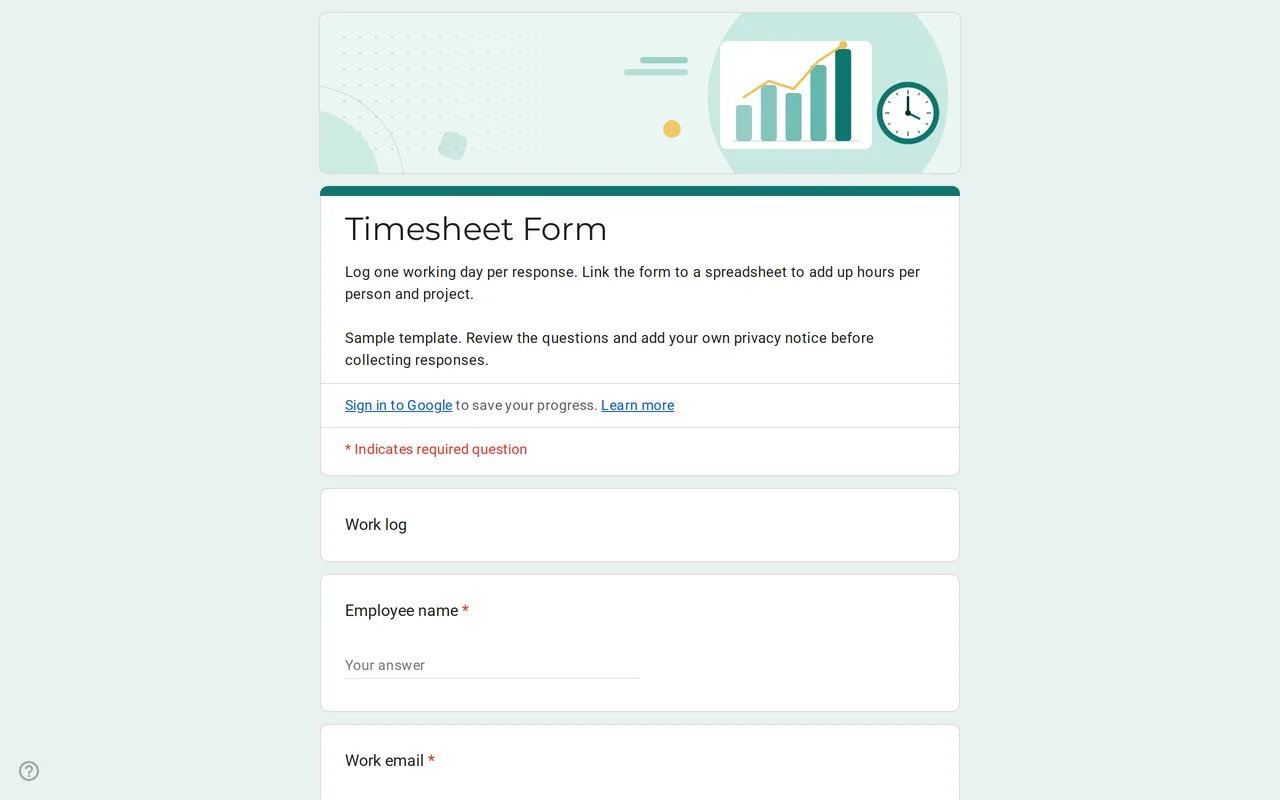
How it works: “Use this template” opens Google’s copy screen. Sign in to your Google account and the form is copied to your own Drive, where you can edit every question. Need help copying the form?
Questions in this Google Forms timesheet
A single page with eight work-log questions, followed by the privacy section.
-
Work log
- Employee name * Short answer
- Work email * Short answer
- Date worked * Date
- Start time * Time
- End time * Time
- Break, in minutes Short answer
- Project or client * Dropdown
- Tasks completed Paragraph
-
Privacy
- I have read the privacy notice * Checkbox
- I would like to receive team updates by email Checkbox · optional
Hourix is a Google Forms timesheet template for teams that log hours from a phone or a browser instead of a paper sheet. Each response is one working day: who worked, on which date, from what time to what time, how long the break was, for which project or client and what got done. The form does not try to be a payroll system. It collects clean raw times, and the spreadsheet you link to it does the adding up.
Who this Google Forms timesheet works for
It suits small teams, agencies, contractors and volunteer coordinators who need a daily record of hours without paying for time-tracking software. Because every answer arrives as a row, a manager can filter by person, by project or by week. If people work on several projects in one day, they send one response per project, so the project column stays clean. Hourly freelancers can use it alone too, filling it in at the end of each day and billing from the totals.
How the Google form timesheet template records a day
Everything sits on one page, with no progress bar, because the form takes under a minute once people know it. Start and end time use the time question type, so respondents pick hours instead of typing them in different formats. The break field only accepts numbers and asks for 0 when there was no break, which keeps your formulas from breaking on text like "half an hour". The project dropdown ships with three sample options, Project A, Project B and Internal; replace them with your own list first, since a dropdown is what keeps "Acme" and "ACME Inc" from becoming two clients in your totals. Then put your company name in the privacy text and decide whether you need the optional team updates checkbox at all.
Total hours from your Google Forms timesheet in Sheets
Google Forms shows charts of answers but cannot calculate hours worked. Link the form to a spreadsheet from the Responses tab and add a column next to the responses. If start time lands in column D, end time in E and break minutes in F, the formula =(E2-D2)*24-F2/60 gives the hours for that day. For night shifts that end after midnight, use =MOD(E2-D2,1)*24-F2/60 instead, or the result comes out negative. A pivot table on that column then gives hours per employee, per project or per week. If you prefer a ready-made weekly layout, our sister site Sheetorial has free spreadsheet templates for Google Sheets.
Before you share the Google form timesheet
- Leave "Limit to 1 response" off. Each person sends a response per day, and that setting would also force everyone to sign in.
- On a Google Workspace account, forms are restricted to your organization by default. Keep that if only staff fill it in, and switch on verified email collection so the work email question can be removed.
- Turn on email notifications for new responses if someone approves hours as they come in.
- Send a test response and check that the time columns calculate before the first real week.
More forms for daily operations are in the business templates, including the order form and the job application form. To copy this one and link it to a sheet step by step, follow how to copy a Google Form.
More templates
-
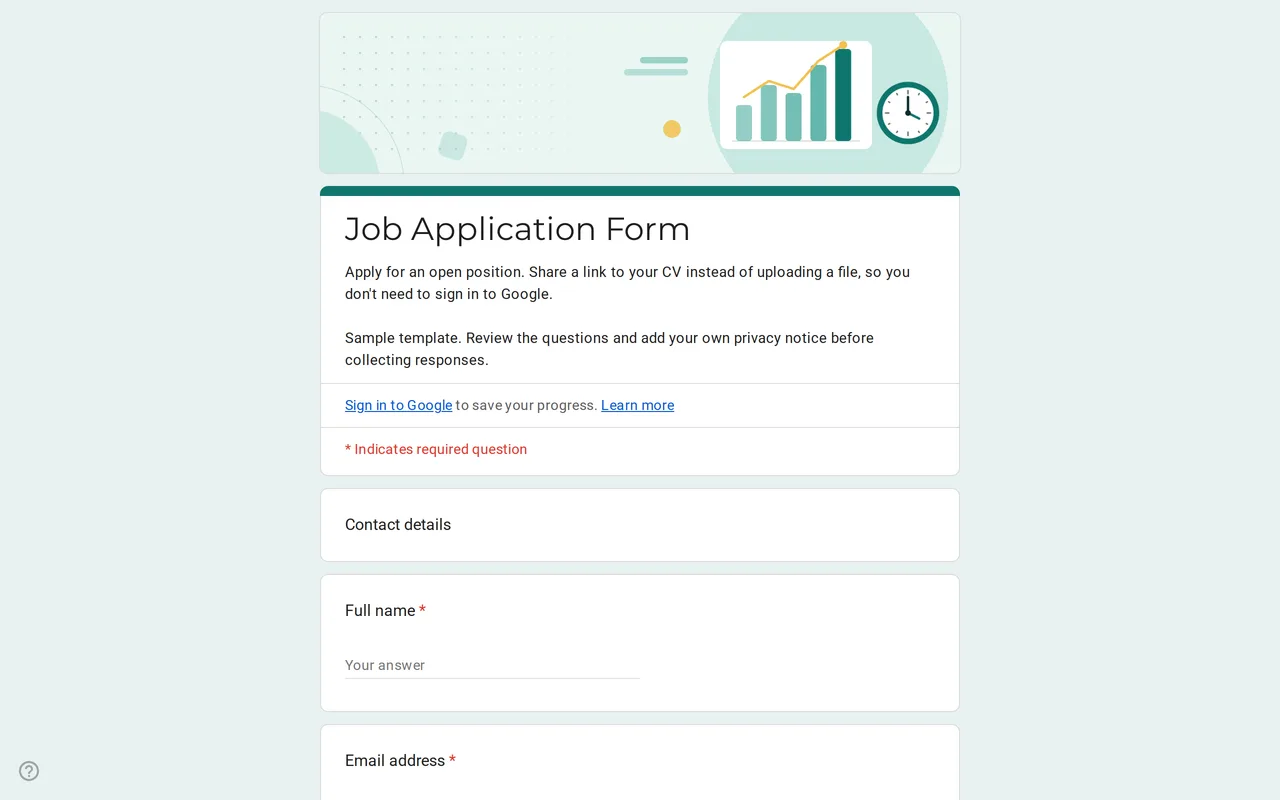 Business Hirova: Google Form Job Application Template Google Forms job application with a role dropdown, start date, experience range and a CV link instead of an upload, so no sign-in is needed. Free. View template →
 -
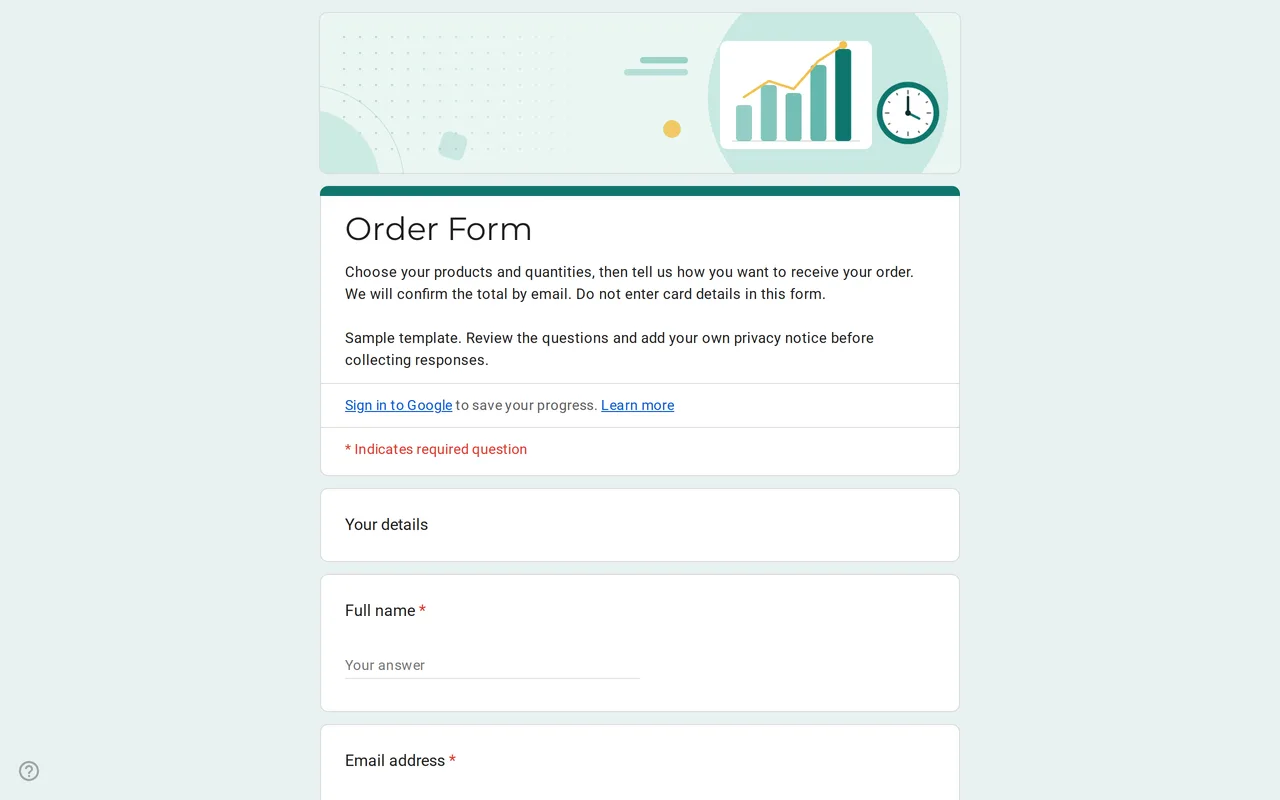 Business Ordix: Google Forms Order Form Template Google form order form with a quantity grid, sizes, pick-up or delivery and a payment preference. It never asks for card details. Free to preview and copy. View template →
 -
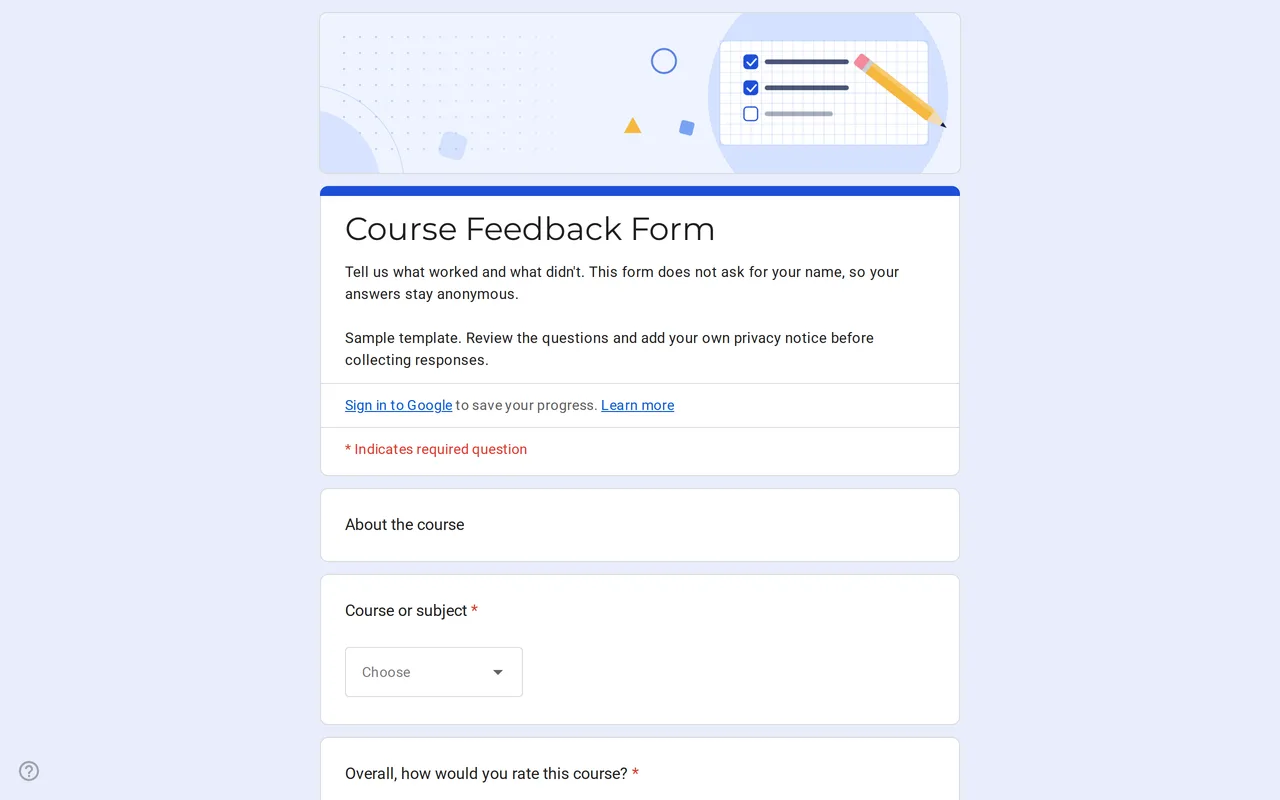 Education Klasso: Course Evaluation Google Form A student feedback Google Form that stays anonymous: overall rating, a grid for pace, materials and assignments, and two open questions. Free to copy. View template →
 -
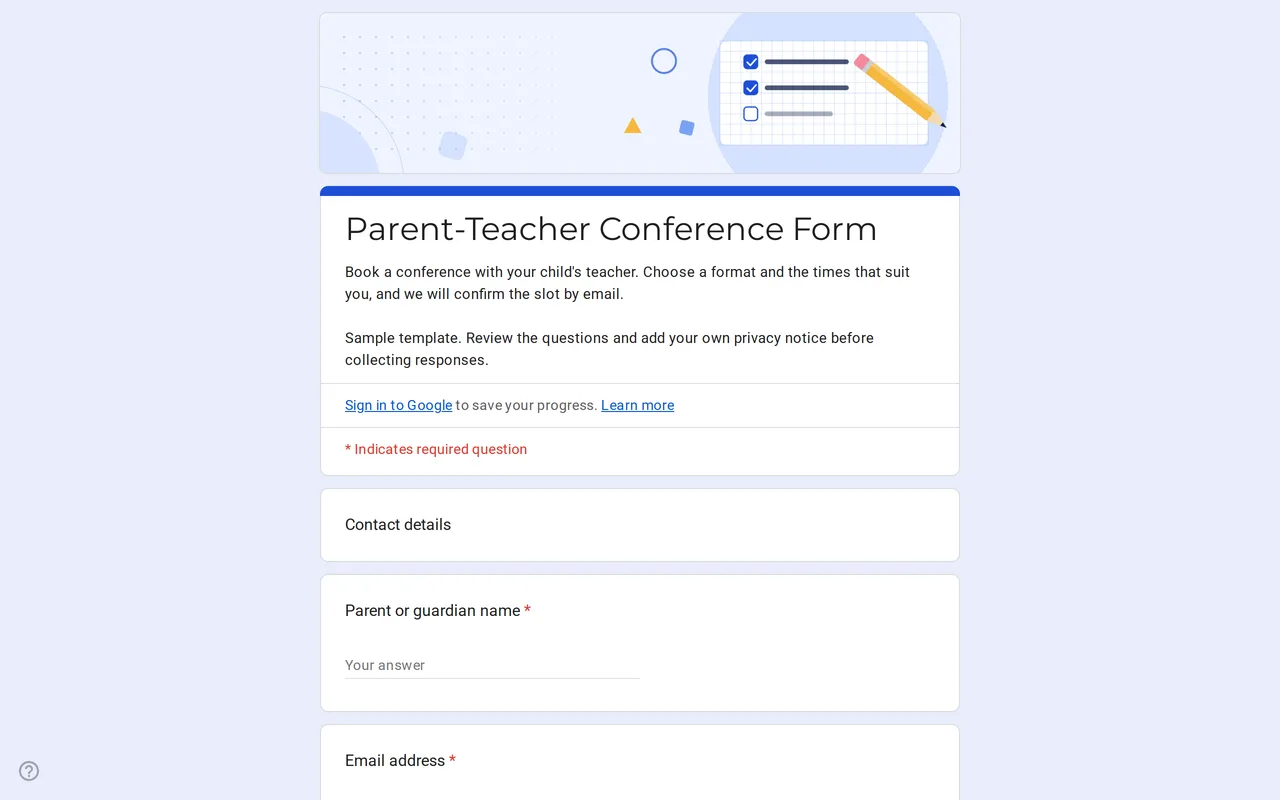 Education Meetrix: Parent Teacher Conference Google Form Template An editable parent teacher conference form for Google Forms: families pick a format, time slots and topics, and you confirm the meeting by email. View template →