
Templates
Google Form Business Templates
-
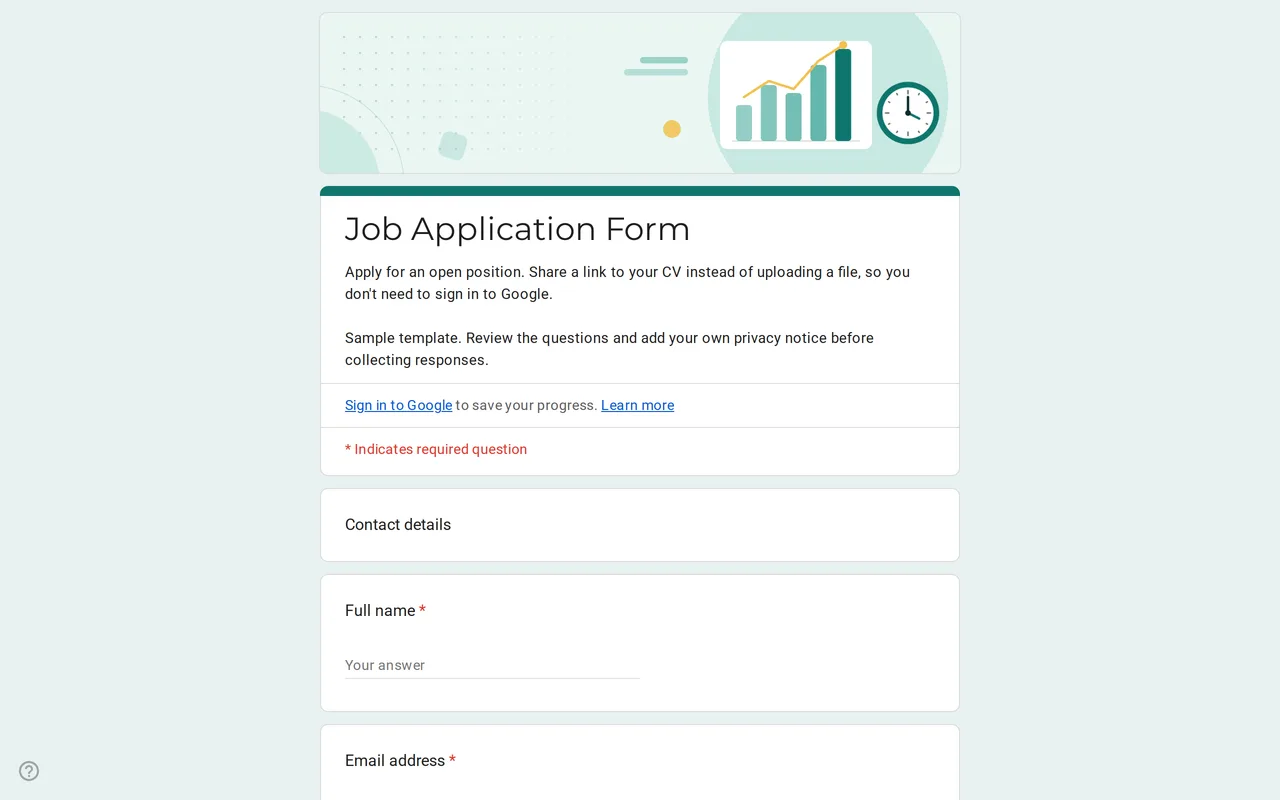 Business Hirova: Google Form Job Application Template Google Forms job application with a role dropdown, start date, experience range and a CV link instead of an upload, so no sign-in is needed. Free. View template →
 -
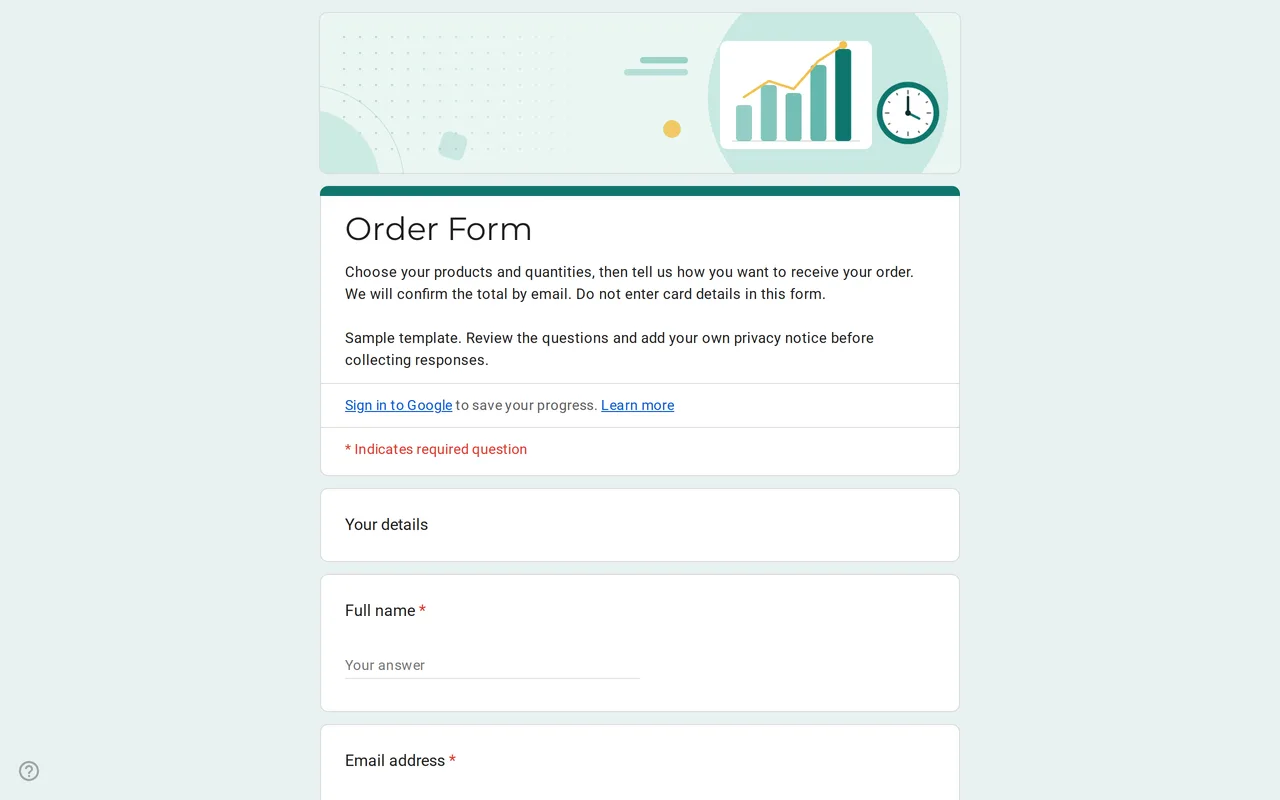 Business Ordix: Google Forms Order Form Template Google form order form with a quantity grid, sizes, pick-up or delivery and a payment preference. It never asks for card details. Free to preview and copy. View template →
 -
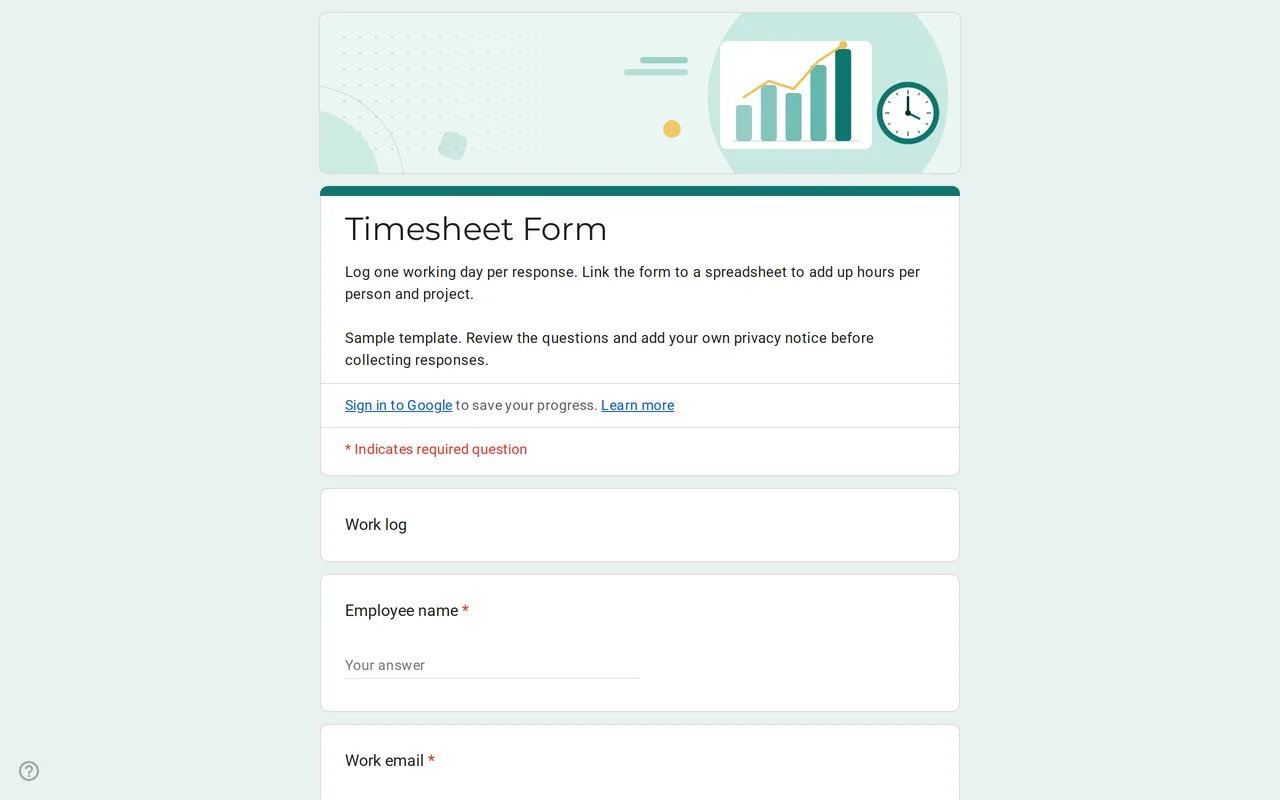 Business Hourix: Google Forms Timesheet Template Google form timesheet template that logs one workday per response: date, start and end time, breaks and project. Copy it free and total hours in Sheets. View template →
The business templates turn routine paperwork into a Google Form your customers, staff or applicants fill in from a link: orders, daily timesheets and job applications. Each template is a working form to preview, then copy to your Google Drive and adapt with your own products, projects and roles.
Google Forms templates for business in this category
- Order form: contact details, a quantity grid for sample products, sizes, pick-up or delivery (the address section only appears for delivery), preferred payment method and order notes.
- Timesheet: one working day per response, with date, start and end time, break minutes, project or client and tasks completed.
- Job application form: contact details, the position, earliest start date, experience range, a link to a CV or portfolio and a short motivation answer.
Using Google Forms for business: what fits well
A Google Form works best when many people send you the same kind of information and you want it in rows: one order, one shift or one application per response. Linked to a spreadsheet, each submission becomes a row you can sort, filter and total. The timesheet is a good example: the form records the raw times and the spreadsheet adds up hours per person and project.
Free Google Forms for business: limits worth knowing
Google Forms does not process payments, so never ask for card numbers in a form; the order template asks only for the preferred payment method and you confirm the total by email. File upload questions require respondents to sign in to a Google account, which is why the job application asks for a link to a CV instead of an upload. There is no native stock or capacity control either: if a product sells out, edit the form or stop accepting responses.
Business Google Form data and privacy
The templates leave out questions that a business form rarely needs and that can create legal trouble. The job application does not ask for age, photo, marital status, nationality or health information, and its work-authorization question is marked to adapt to local law. Each form ends with a privacy section to complete with your company's notice, a required confirmation checkbox and a separate optional checkbox for marketing emails, so consent to offers is never bundled with the order itself. For the spreadsheet side, the copying guide shows how to link responses to Google Sheets.