
Templates
Google Forms Survey Templates
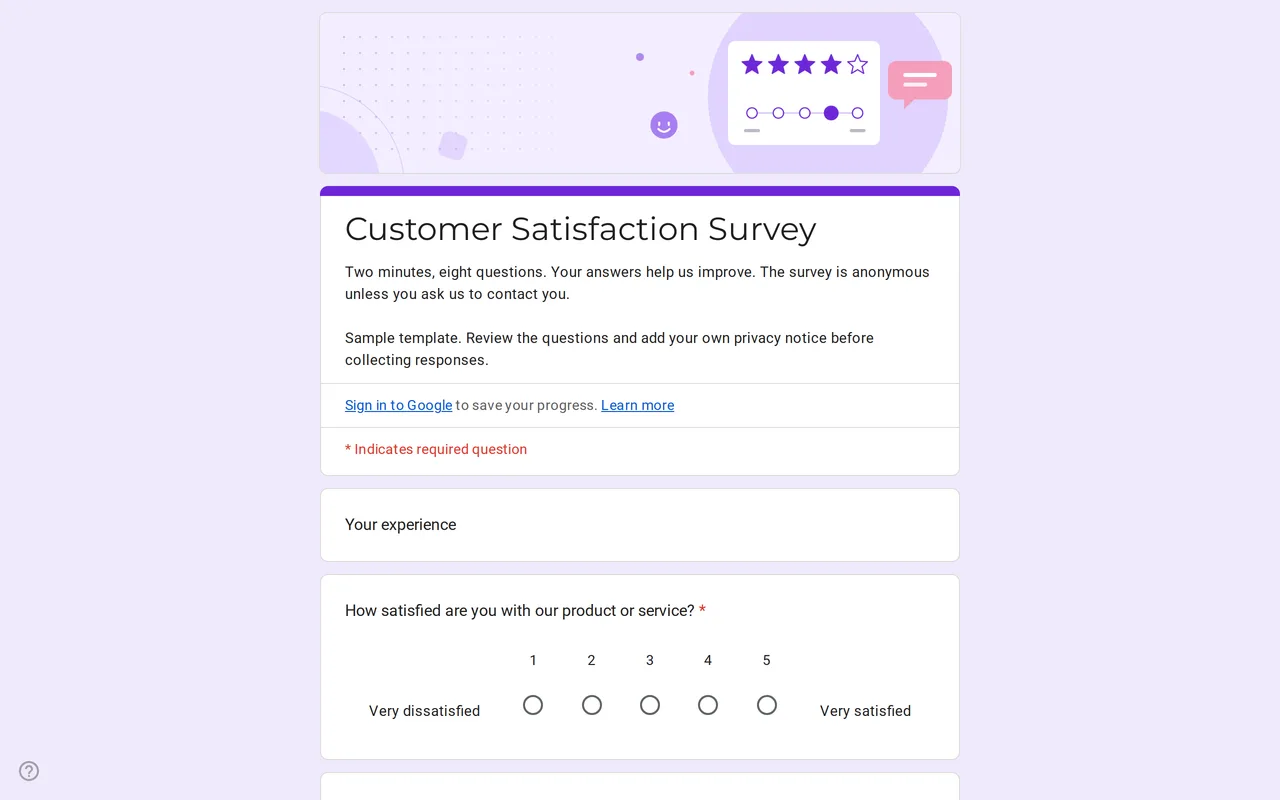
The survey templates are Google Forms built for collecting opinions rather than sign-ups or orders: rating scales, satisfaction grids and open questions, arranged so people can finish in a couple of minutes. Each template is a live form you can preview, copy to your Drive and rework for your own product, service or event.
Google Forms templates for surveys in this category
The customer satisfaction survey opens with a 1 to 5 satisfaction scale and a 0 to 10 likelihood-to-recommend scale, then a grid for quality, price, customer service and delivery time, and two open questions on what people liked and what to improve. It ends by asking whether you may contact the respondent; the email field only appears for those who say yes. For teaching, the course feedback form in the education category follows the same pattern for a class or course.
A free Google Forms survey template versus Google's own gallery
Google Forms has its own template gallery with a few survey-style forms, such as customer feedback, event feedback and course evaluation. They are a reasonable start. The templates here add branching, sample answer scales chosen for each question, and a privacy section at the end: notice text to replace, a required read-confirmation checkbox and a separate optional checkbox for communications. You can preview the full form before copying it, which the gallery does not show until the copy is made.
Writing a survey Google Form people finish
Keep the required questions to the ones you will act on. Put the scales first, while attention is fresh, and the open questions after them. Use one grid instead of five separate rating questions when the rows share the same scale. Label both ends of every scale so a 1 means the same thing to everyone. And say how long the survey takes in the description; the sample survey tells people it takes two minutes.
Anonymous surveys in Google Forms
A survey without a name or email question is anonymous only if the settings agree. Keep email collection off, and do not limit people to one response, because that setting requires respondents to sign in. If you want to follow up with some respondents, ask for consent first and show the email field only to those who agree, as the customer satisfaction template does. Once responses arrive, link them to Google Sheets to chart the scales; the copying guide covers the steps.