
Ordix: Google Forms Order Form Template
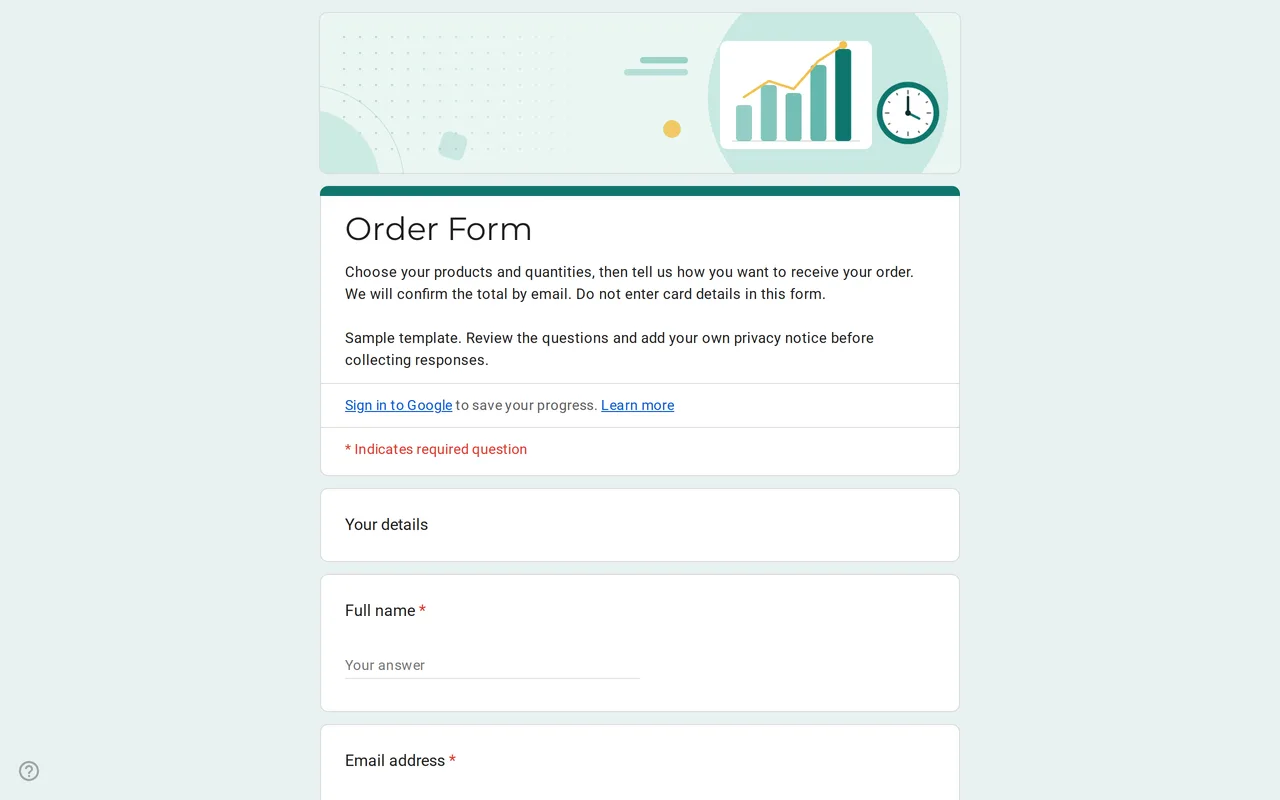
How it works: “Use this template” opens Google’s copy screen. Sign in to your Google account and the form is copied to your own Drive, where you can edit every question. Need help copying the form?
Questions in this Google Forms order form
Four sections: your details, the order, a delivery address only for delivery, and payment and notes, followed by the privacy section.
-
Your details
- Full name * Short answer
- Email address * Short answer
- Phone number Short answer
-
Your order
- Quantity per product Multiple choice grid
- Size Checkboxes
- Delivery method * Multiple choice
-
Delivery
- Delivery address * Paragraph
-
Payment and notes
- Preferred payment method * Multiple choice
- Notes for your order Paragraph
-
Privacy
- I have read the privacy notice * Checkbox
- I would like to receive offers and news by email Checkbox · optional
Ordix is a Google Forms order form template for small sellers taking orders by link: a bakery's weekend pre-orders, a school club's merchandise, a market stall or a team kit order. Customers choose quantities, pick a size, say whether they will collect or want delivery and tell you how they prefer to pay. You check the order, then email the total and payment details. The form itself never handles money.
Who the Google form order form suits
It fits sellers with a short product list and orders that someone reviews by hand. If you sell dozens of products, need live stock levels or want customers to pay at checkout, a shop platform is the better tool. For a fixed menu, a pre-order window or a one-off batch, a Google Form keeps every order in one list without setting up a store.
How the order form in Google Forms handles quantities and delivery
Products sit in a multiple choice grid: one row per product, columns from 0 to 5, so a whole order fits on one screen. Replace the three sample rows with your products and write the price in the row label, for example "Sourdough loaf ($8)", since Google Forms cannot add up a total for the customer. The delivery question branches. Customers who choose pick up jump straight to payment; those who choose delivery get a section with a required address field. Payment and notes come last, followed by the privacy section.
Taking payment with a Google Forms order form
Google Forms is not a payment gateway. It has no card field and no connection to a payment processor, and card numbers typed into a short answer question would sit in plain text in your responses and in any linked spreadsheet, visible to anyone with access. That is why the form description tells customers not to enter card details and the payment question only records a preference: cash on pickup, bank transfer or card at pickup. Send the total from the confirmation email or a payment link from your payment provider after you have checked the order.
Turn it into a t-shirt order form in Google Forms
For a team or class shirt order, rename the grid rows to your designs and keep the size checkboxes. The size question applies to the whole order, so if people order several shirts in different sizes, swap the checkboxes for a second grid with sizes as rows and quantities as columns. Remove the delivery section if everyone collects at practice or at school.
Before you share your Google form order form template
- Replace the business name in the privacy text with yours and link your privacy policy.
- Turn on email notifications for new responses so no order waits unseen.
- Google Forms has no stock control. When a product sells out, remove its row or stop accepting responses.
- Link the responses to a spreadsheet and multiply each quantity column by its price to get the order totals you will email.
The business templates include a timesheet for the people packing the orders, and the customer satisfaction survey works well a few days after delivery. To make your own copy, see how to copy a Google Form.
More templates
-
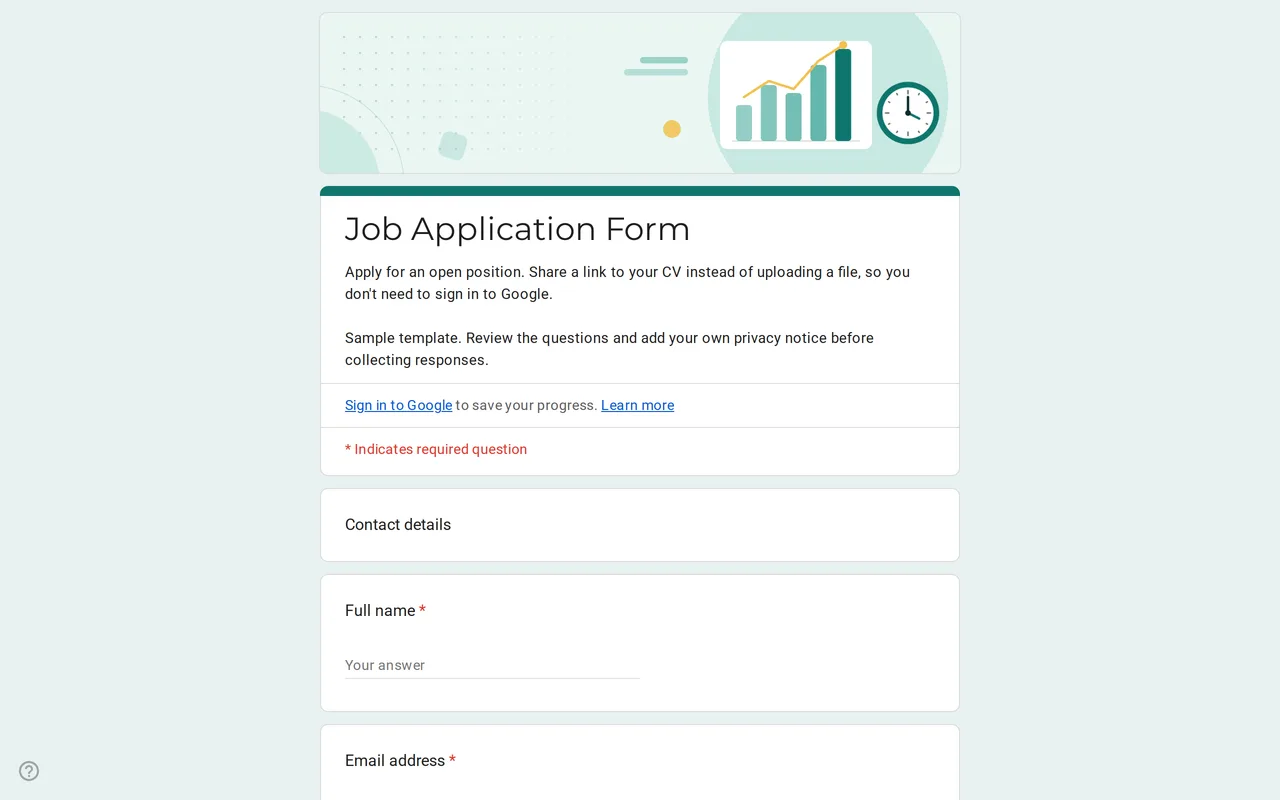 Business Hirova: Google Form Job Application Template Google Forms job application with a role dropdown, start date, experience range and a CV link instead of an upload, so no sign-in is needed. Free. View template →
 -
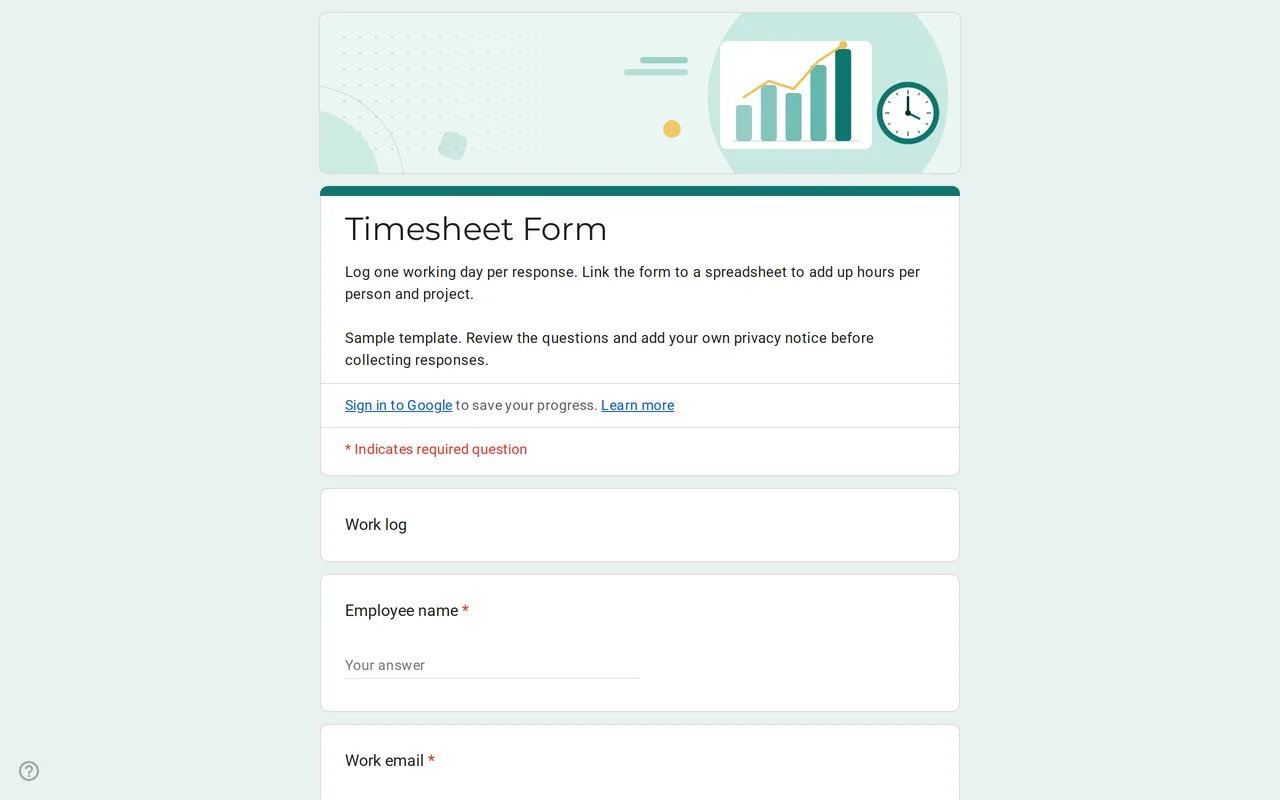 Business Hourix: Google Forms Timesheet Template Google form timesheet template that logs one workday per response: date, start and end time, breaks and project. Copy it free and total hours in Sheets. View template →
 -
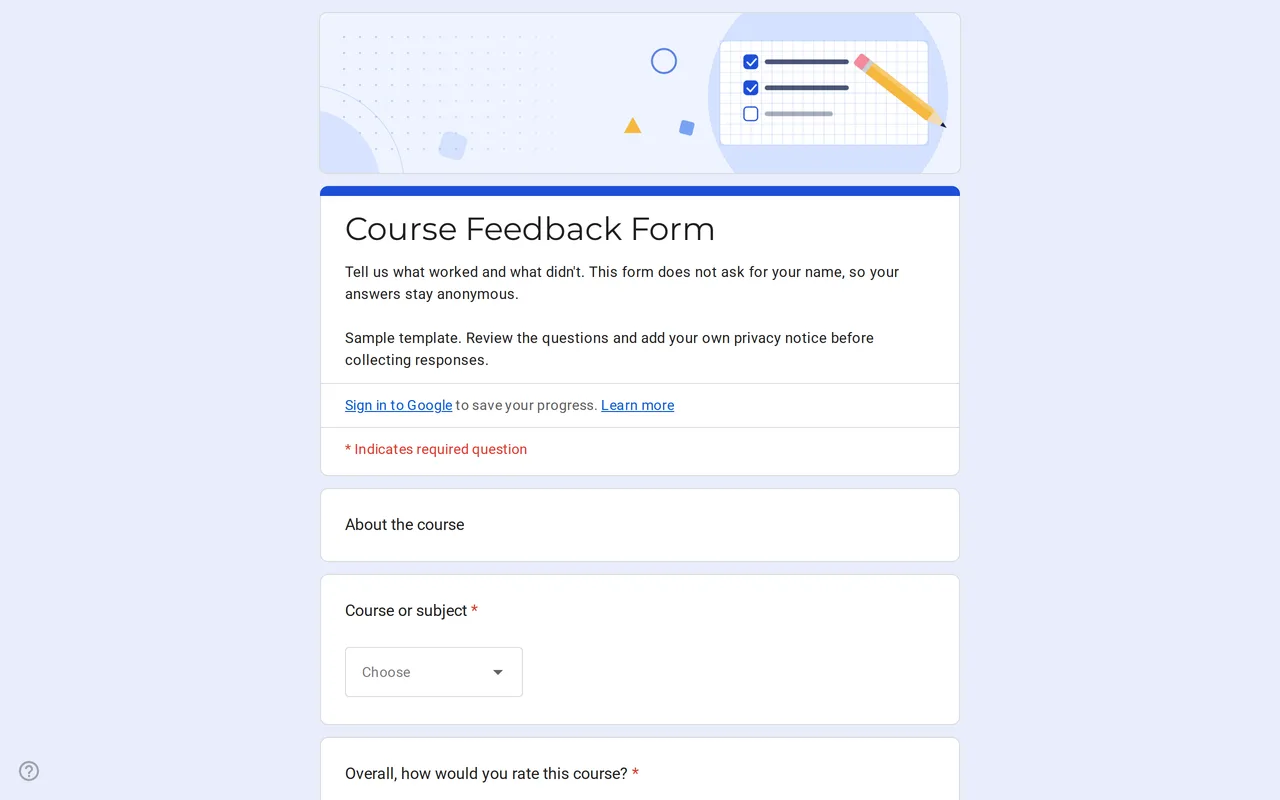 Education Klasso: Course Evaluation Google Form A student feedback Google Form that stays anonymous: overall rating, a grid for pace, materials and assignments, and two open questions. Free to copy. View template →
 -
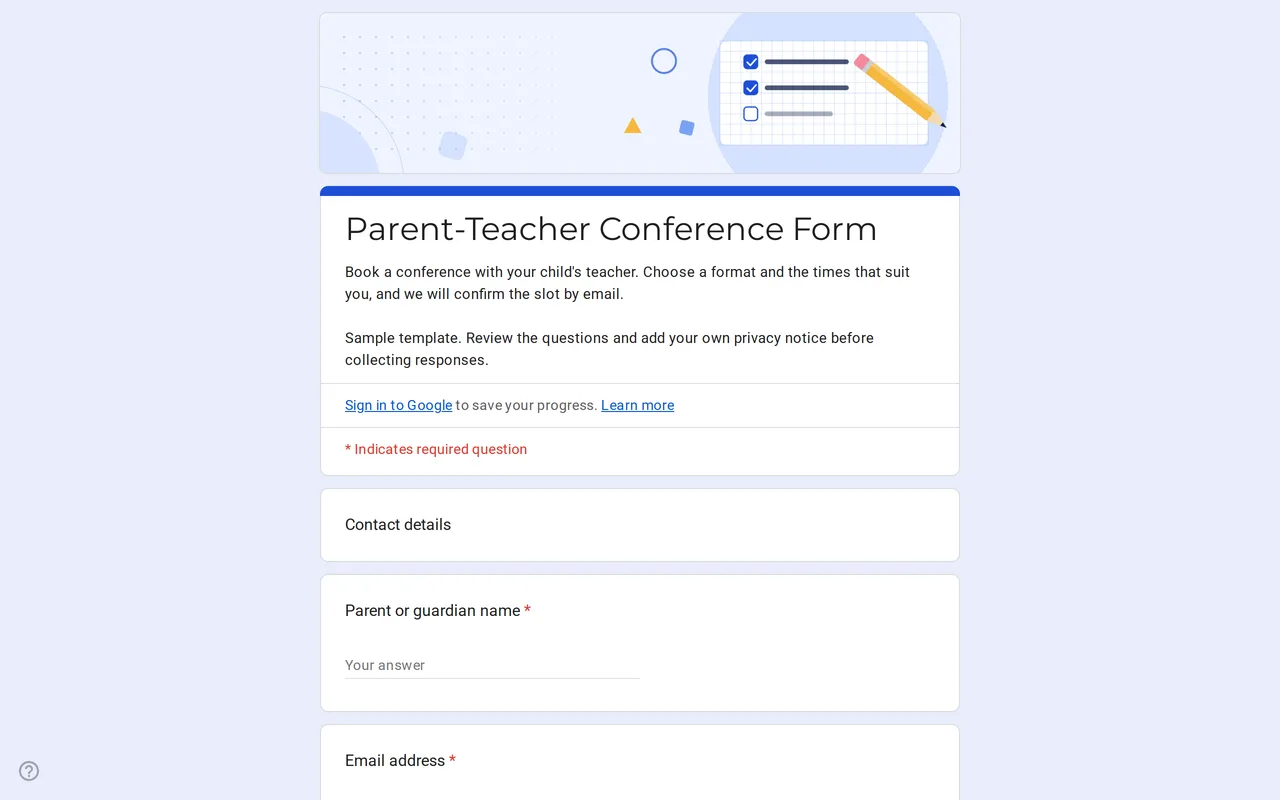 Education Meetrix: Parent Teacher Conference Google Form Template An editable parent teacher conference form for Google Forms: families pick a format, time slots and topics, and you confirm the meeting by email. View template →