
Google Forms templates
Free Google Form Templates
Copy the form, skip the setup. Preview each Google Form template as your respondents will see it, then copy it to your own Google Drive and edit every question.
-
Working forms you can try first
Every template is a published Google Form. Open the preview, click through the sections and see the branching before you copy anything.
-
A privacy section in every form
Each form ends with a privacy block: notice text for you to replace, a required read-confirmation checkbox and a separate, optional checkbox for communications.
-
Yours to edit, in your Drive
The copy belongs to your Google account. Change questions, sections, theme and response settings, and link the answers to a spreadsheet.
Google Forms templates by category
Find a Google Form template for events, school, business or surveys.
All free Google Forms templates
10 free forms to preview and copy to your Google Drive.
-
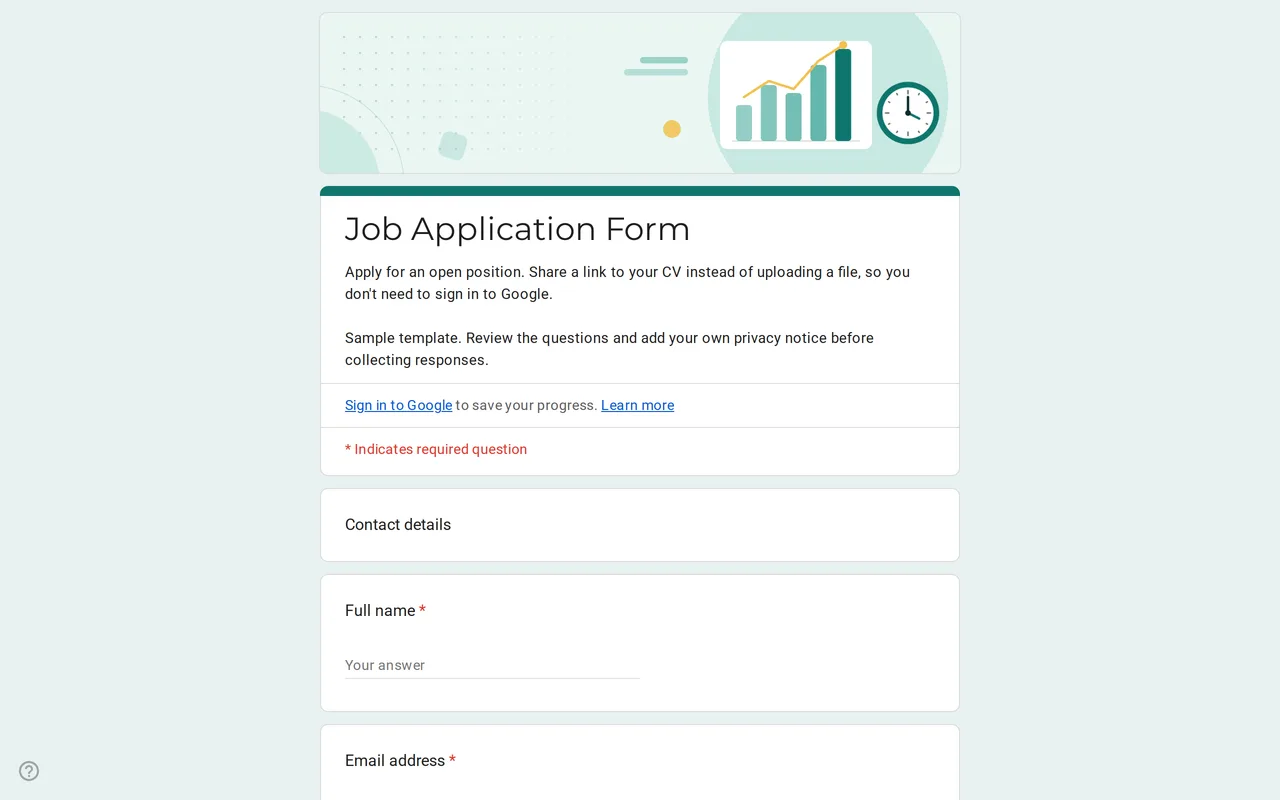 Business Hirova: Google Form Job Application Template Google Forms job application with a role dropdown, start date, experience range and a CV link instead of an upload, so no sign-in is needed. Free. View template →
 -
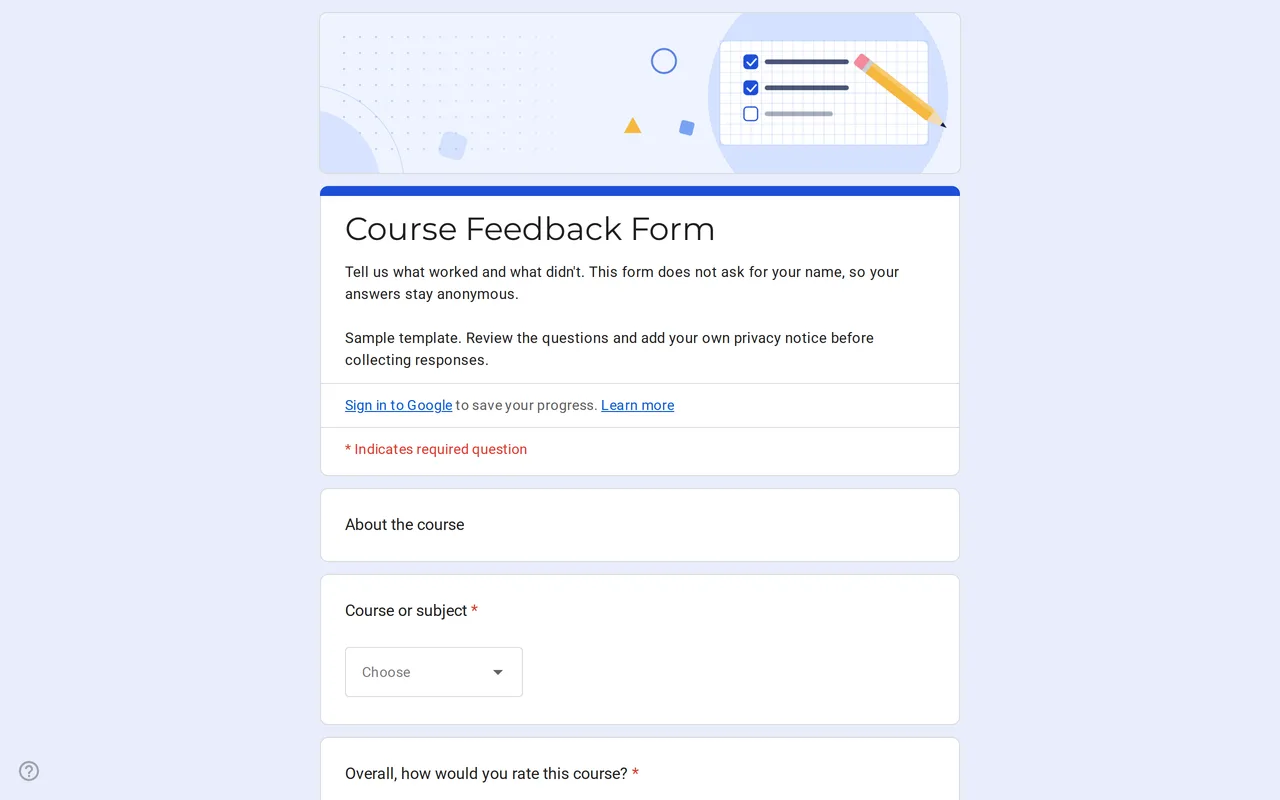 Education Klasso: Course Evaluation Google Form A student feedback Google Form that stays anonymous: overall rating, a grid for pace, materials and assignments, and two open questions. Free to copy. View template →
 -
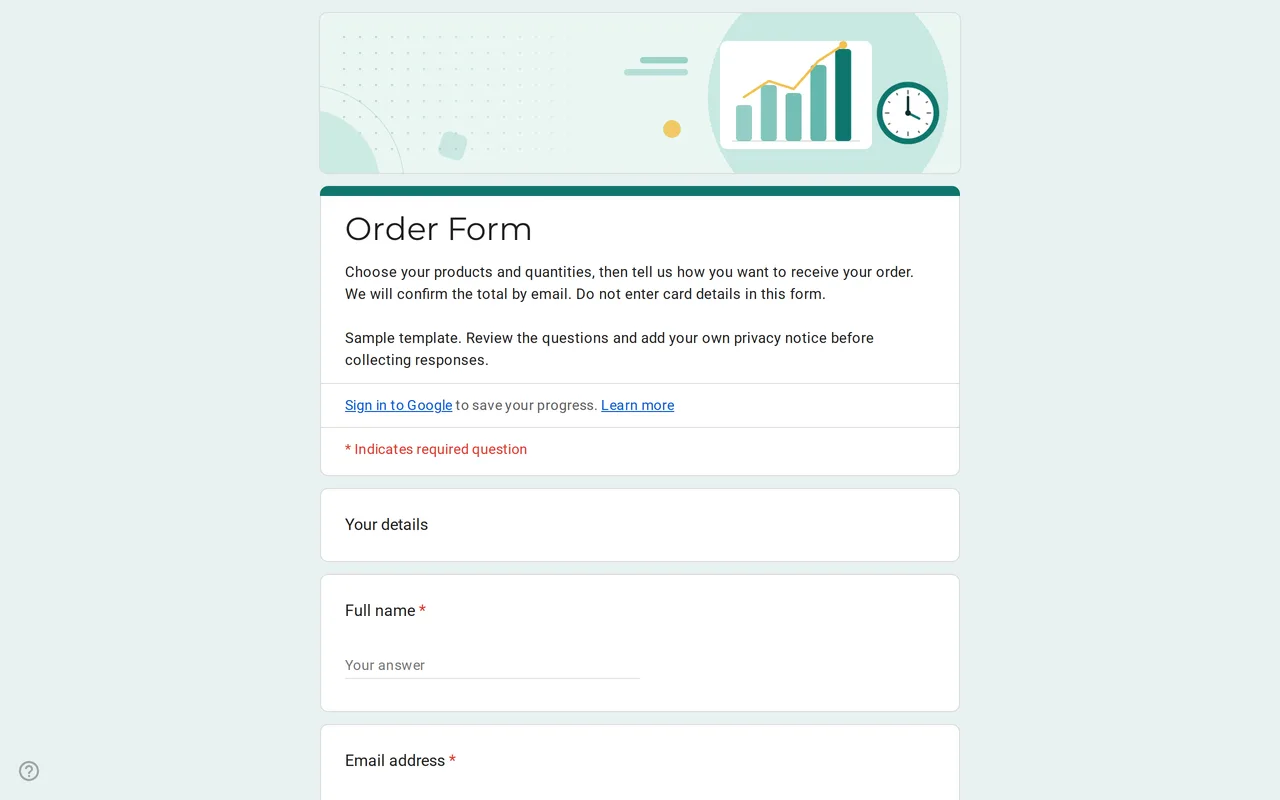 Business Ordix: Google Forms Order Form Template Google form order form with a quantity grid, sizes, pick-up or delivery and a payment preference. It never asks for card details. Free to preview and copy. View template →
 -
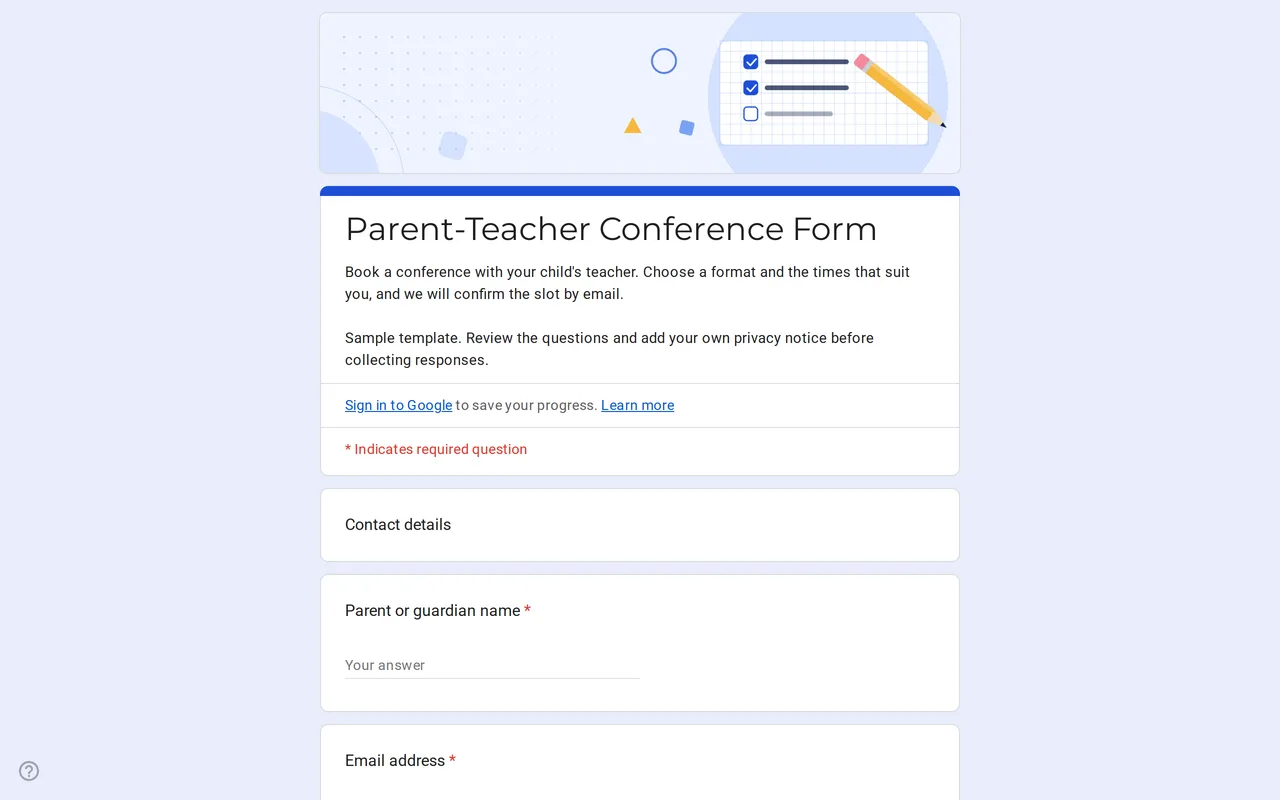 Education Meetrix: Parent Teacher Conference Google Form Template An editable parent teacher conference form for Google Forms: families pick a format, time slots and topics, and you confirm the meeting by email. View template →
 -
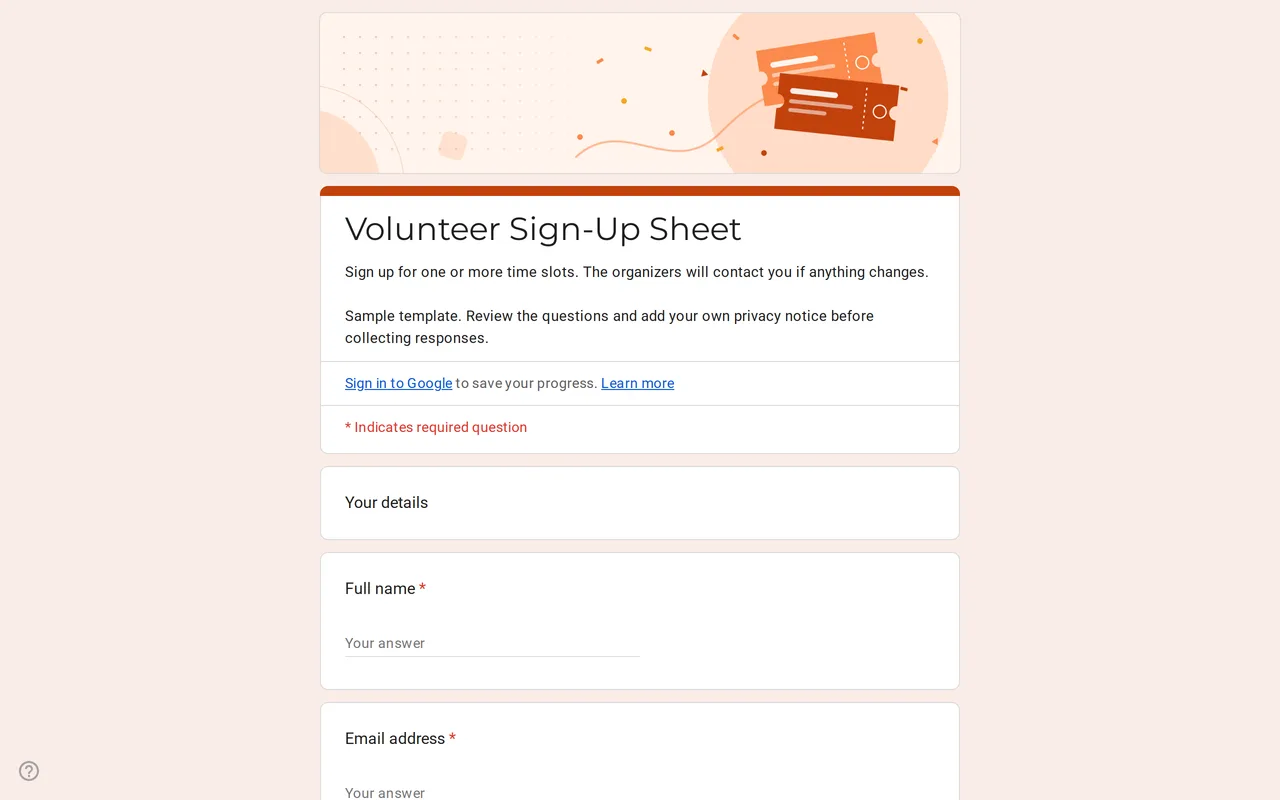 Events Slotly: Google Forms Sign-Up Sheet for Volunteers Google Form sign up sheet with time slots, roles and contact details for volunteers. Preview it, copy it free and replace the sample shifts. View template →
 -
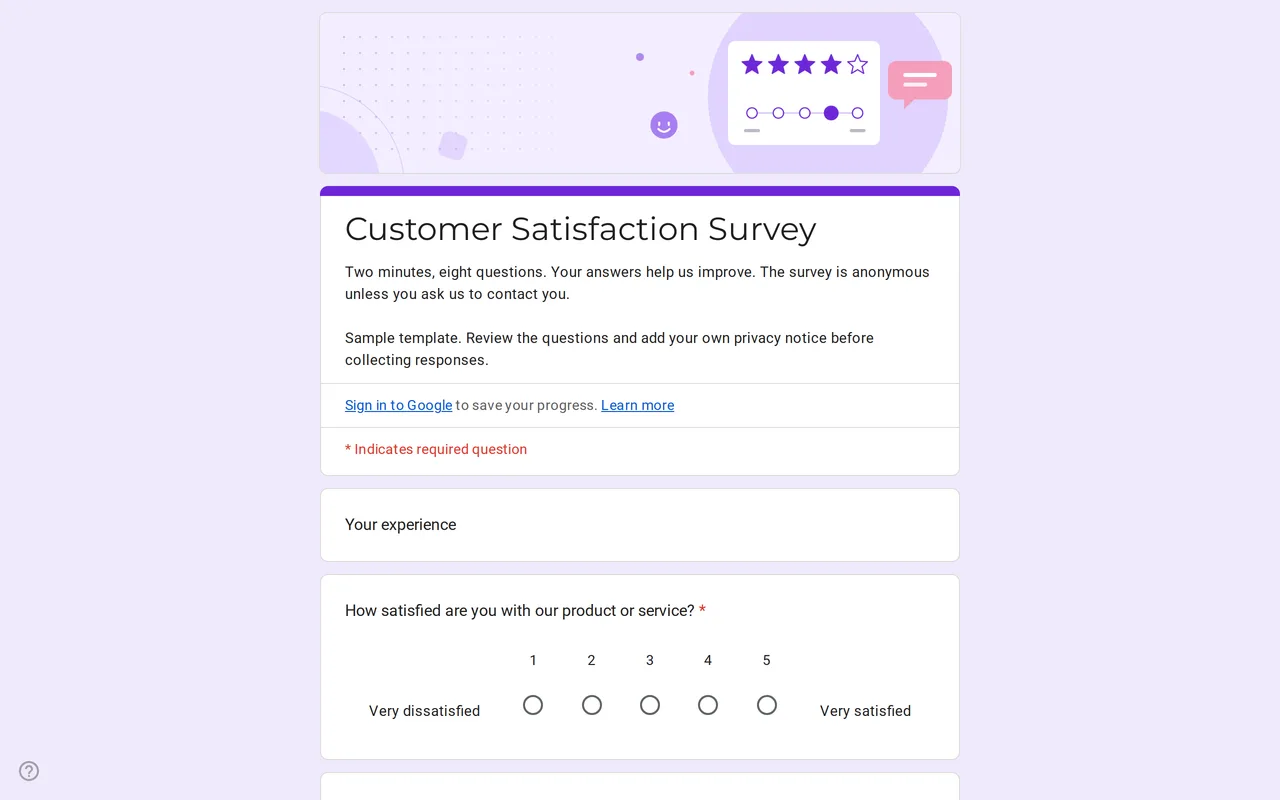 Surveys Satisfa: A Google Form for Survey of Customer Satisfaction Survey Google Form template for customer satisfaction: a 1-5 rating, a 0-10 recommend scale, a service grid and open questions. Anonymous by default. View template →
 -
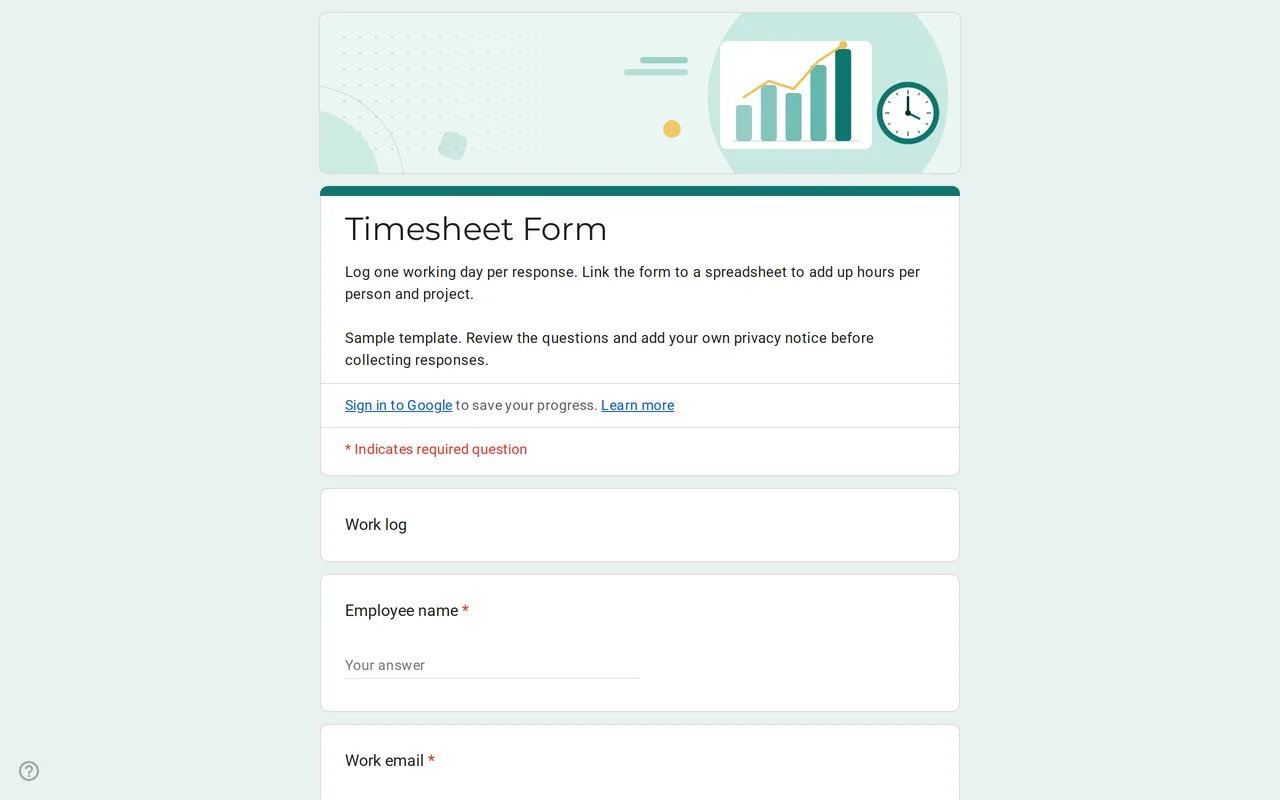 Business Hourix: Google Forms Timesheet Template Google form timesheet template that logs one workday per response: date, start and end time, breaks and project. Copy it free and total hours in Sheets. View template →
 -
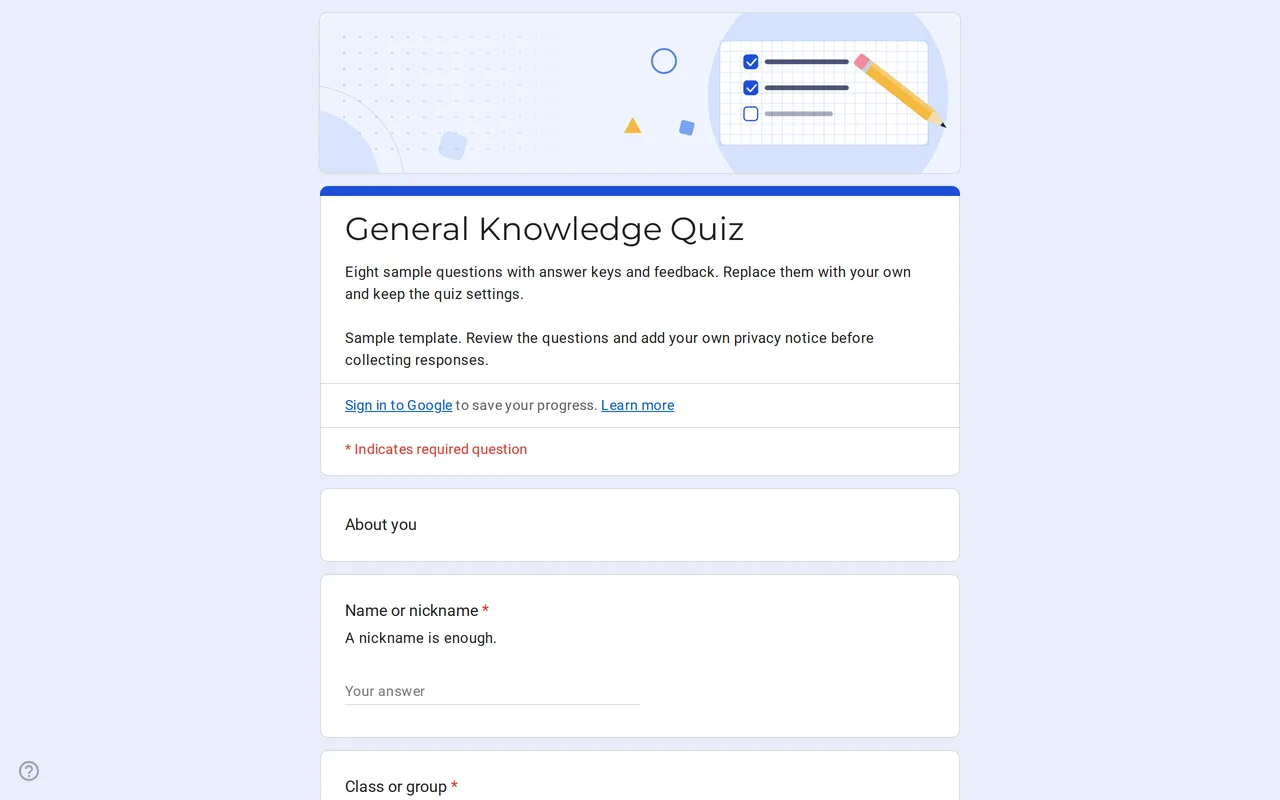 Education Quizora: Free Google Form for Quiz Making A Google Forms quiz template with answer keys, points and feedback already set: eight sample multiple choice and checkbox questions you replace with yours. View template →
 -
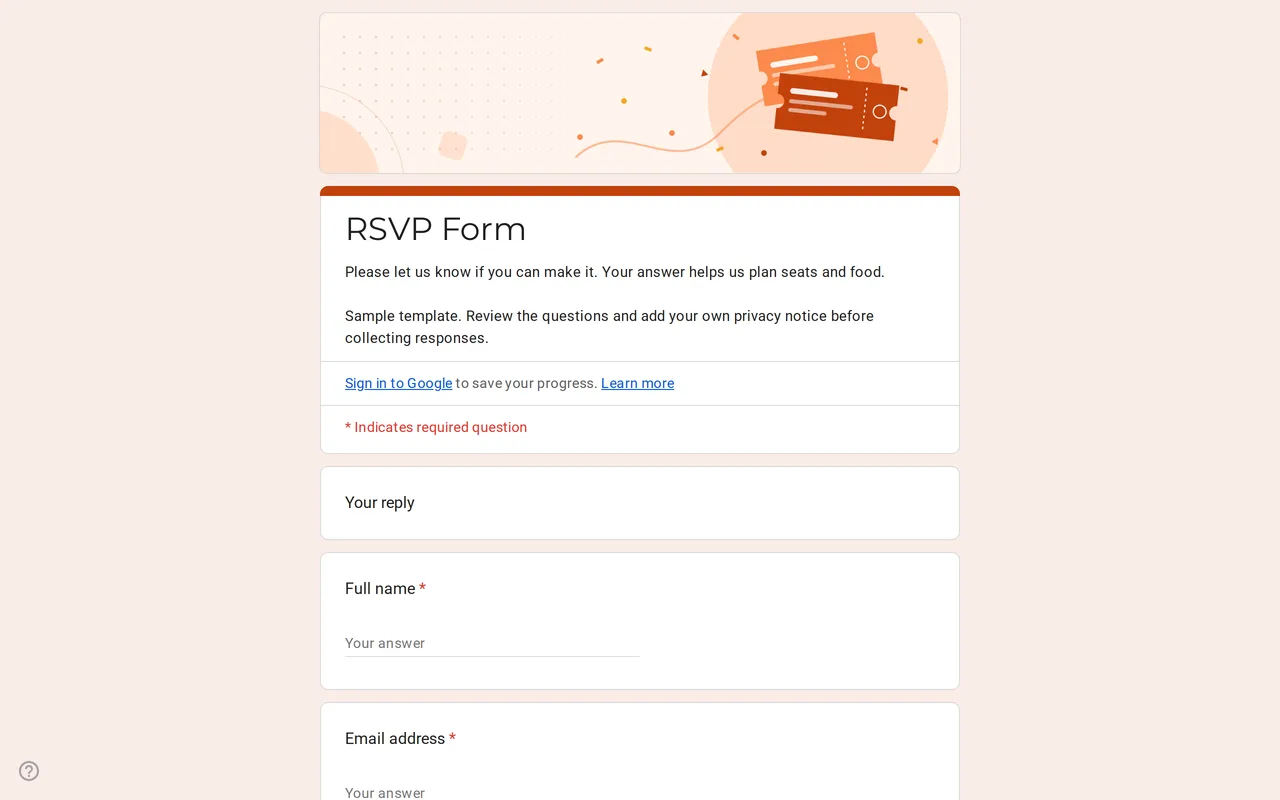 Events Replya: Google Form Template for RSVP Google Forms RSVP template that branches on the reply: guests who say yes add party size, names and menu choice. Preview it and copy it free. View template →
 -
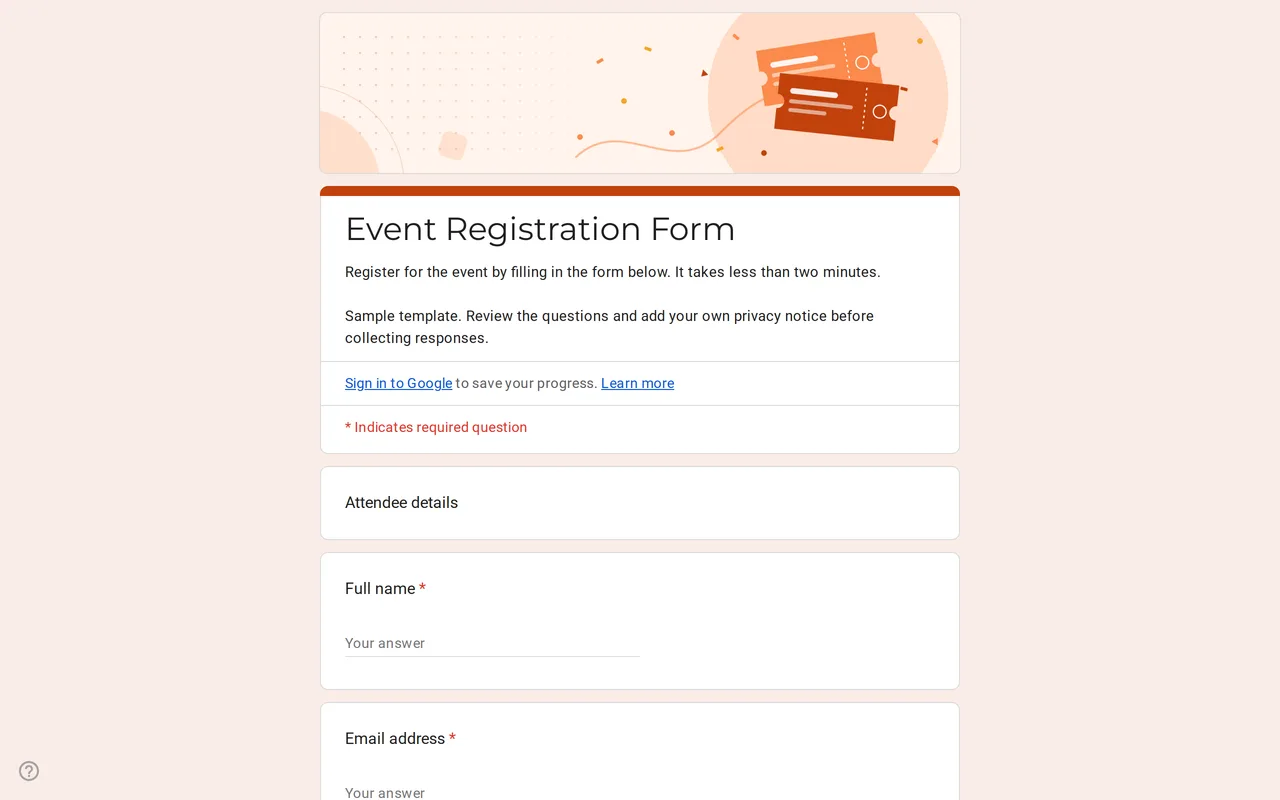 Events Eventra: Google Forms Event Registration Template Google Forms event registration with ticket types, in-person or online attendance and session picks. Preview it, then copy the form free to your Drive. View template →
- 100% Free, no sign-up on Formtorial
- 10 Ready-to-copy form templates
- 4 Categories to browse
- 11 Language editions of the site
What is a Google Form template?
A Google Form template is a finished form you copy instead of building from a blank page: the questions are written, the answer types are chosen, required fields are marked and, where it helps, the sections branch on earlier answers. An RSVP form only shows the party questions to guests who say yes; an order form only asks for an address when someone picks delivery. You copy it, adjust the wording and share the link.
The templates for Google Forms on Formtorial are sample forms written with data minimization in mind. They avoid sensitive categories such as health, religion or political views, never ask for ID documents or a date of birth, and end with a privacy section you complete before collecting responses. Formtorial is free, funded by ads and not affiliated with Google.
How to use a Google Forms template
From picking a form to sharing your own copy, three steps.
-
Preview the template
Open a template page and click Preview to see the live form exactly as respondents will. Browse by category, such as events, education, business or surveys, or scroll the full list.
-
Copy it to your Google Drive
Click Use this template and sign in to Google if asked. Google then offers to make a copy, and the editable form lands in your own Drive.
-
Edit, add your privacy notice and share
Rename the form, adjust the questions, replace the placeholder privacy text with your own notice, then share it by link, email or embed code.
Google Form templates: frequently asked questions
-
Are these Google Form templates free?
Yes. Every template is free to preview and copy, with no account on Formtorial and no paid tier. The site is funded by ads.
-
Do I need a Google account to use a template?
You need one to copy the form, because the copy is saved in your own Google Drive. Previewing a template does not require signing in, and the people who fill in your form usually do not need a Google account either, unless you turn on settings that require sign-in, such as file uploads or limiting each person to one response.
-
Will the people who answered the sample form see my responses?
No. Your copy is a separate form owned by you. Responses to your copy go only to you and to anyone you add as a collaborator, and nothing you collect is sent back to Formtorial.
-
Can I change the questions after copying a Google Forms template?
Yes, everything is editable: question text, answer options, required fields, sections, branching, theme and settings. The sample choices, such as Product 1 or Position A, are there to be replaced.
-
Why does every form end with a privacy section?
Most forms collect personal data, so respondents should know who is collecting it and why. The privacy block gives you the structure: a paragraph to replace with your own notice and a link to your privacy policy, a required checkbox confirming the respondent has read it, and a separate optional checkbox for newsletters or updates. The wording is a starting point, not legal advice.
-
Is Formtorial part of Google?
No. Formtorial is an independent site. Google Forms, Google Drive and Google Sheets are Google products, and the templates here are ordinary forms built with them.