
Templates
Event Google Form Templates
-
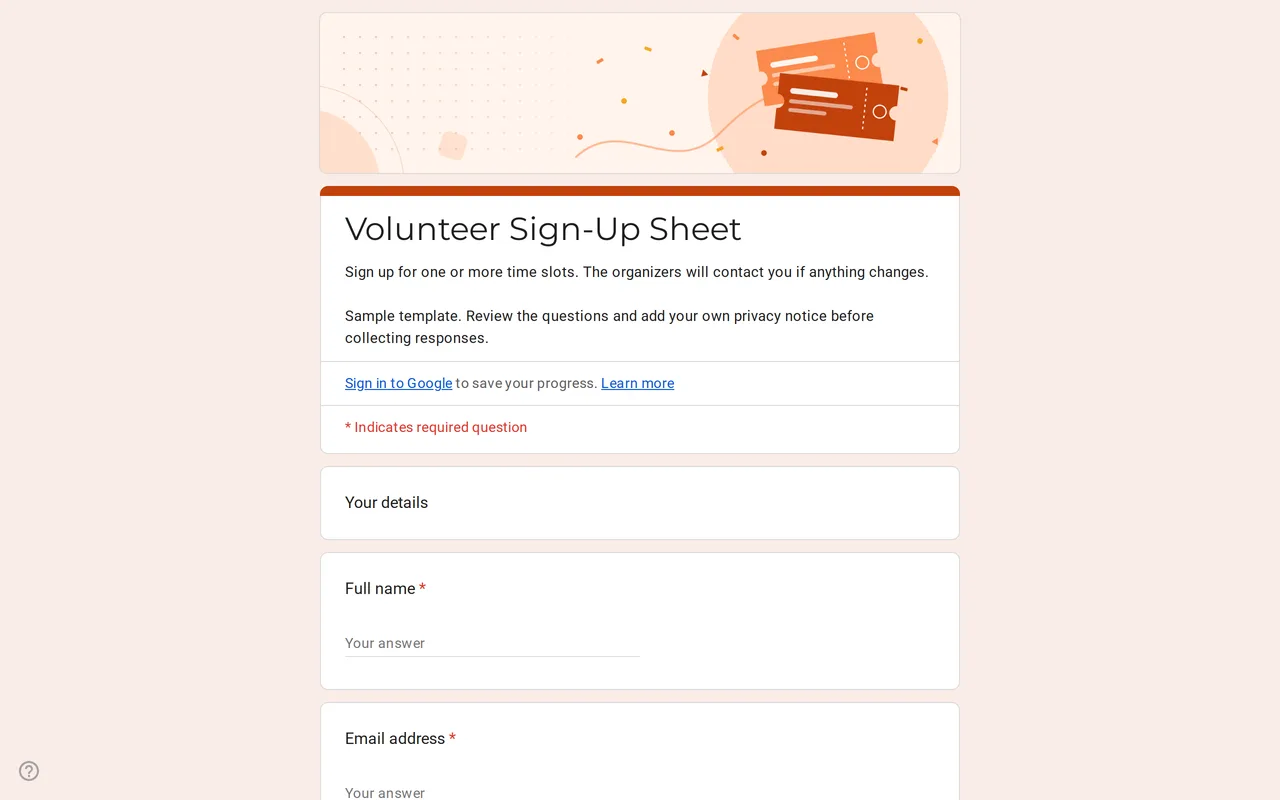 Events Slotly: Google Forms Sign-Up Sheet for Volunteers Google Form sign up sheet with time slots, roles and contact details for volunteers. Preview it, copy it free and replace the sample shifts. View template →
 -
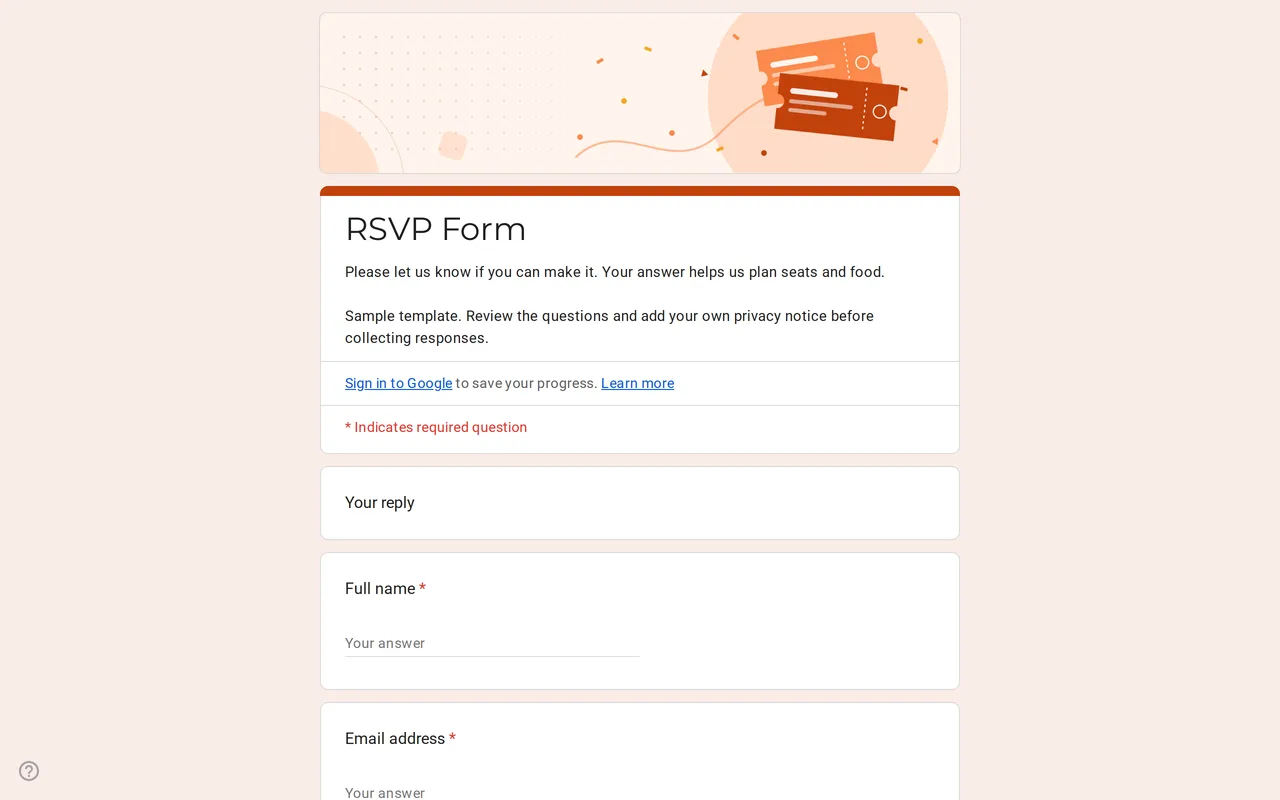 Events Replya: Google Form Template for RSVP Google Forms RSVP template that branches on the reply: guests who say yes add party size, names and menu choice. Preview it and copy it free. View template →
 -
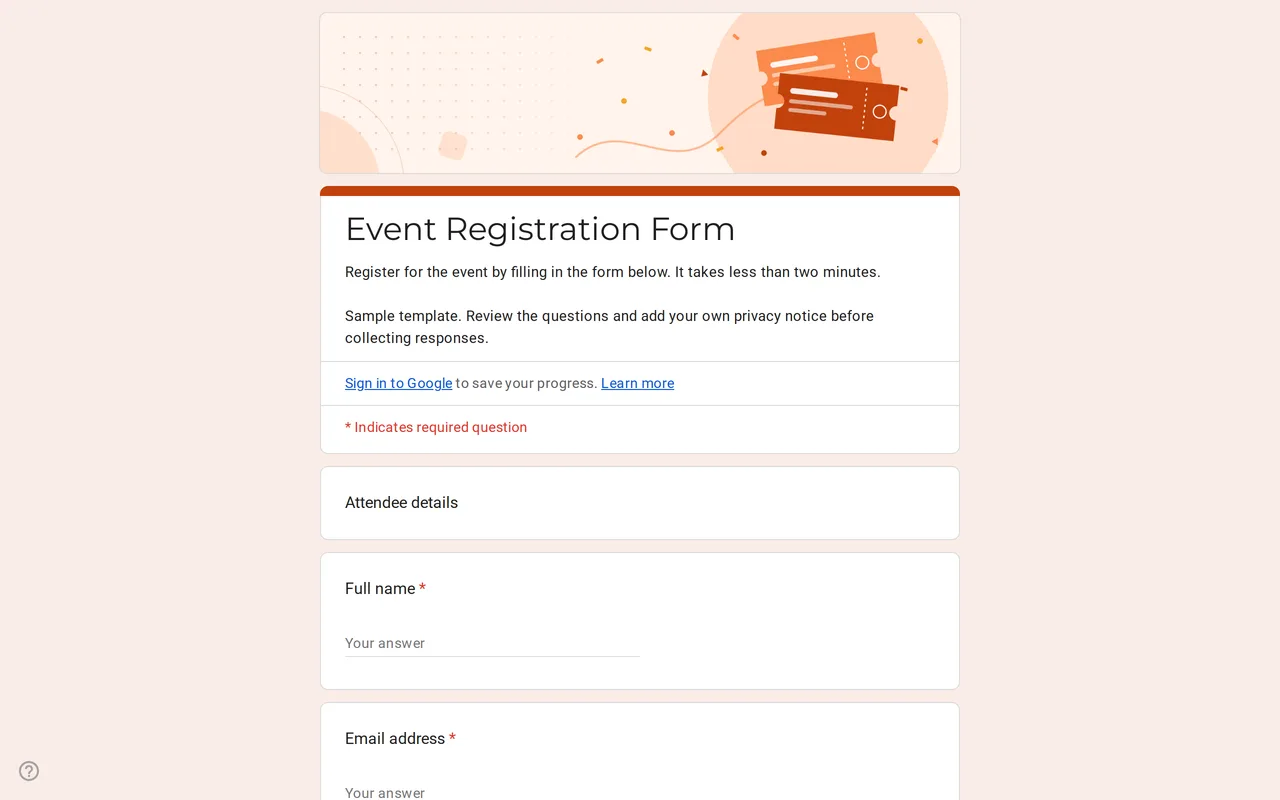 Events Eventra: Google Forms Event Registration Template Google Forms event registration with ticket types, in-person or online attendance and session picks. Preview it, then copy the form free to your Drive. View template →
The event templates cover the three jobs most hosts and organizers hand to a form: finding out who is coming, registering attendees and filling volunteer shifts. Each one is a working Google Form you can preview, then copy to your Drive and edit, with the sample dates, menus and ticket types ready to replace.
Which event Google Form do you need?
Pick by the question you need answered. If it is "who is coming, and with how many people?", use the RSVP form: a yes, no or not-sure answer, and only the guests who say yes see the party size, guest names and menu choice. If you are selling or allocating places and need to know ticket type, sessions and whether people attend in person or online, use the event registration form. If you need people to commit to time slots or tasks, such as setup, the welcome desk or cleanup, use the sign-up sheet.
Event Google Form examples in this category
- RSVP form: name, email, attendance, then a branch for party size (one to six), guest names and a meat, fish or vegetarian menu choice, plus a message for the hosts.
- Event registration form: attendee details, ticket type, attendance mode, session checkboxes, number of guests, menu preference and how the person heard about the event.
- Volunteer sign-up sheet: contact details, sample time slots as checkboxes, a preferred role and a note for the organizers.
None of them asks about allergies or dietary needs, because those answers can reveal health information. A menu choice covers catering in most cases; if you really need more, collect it separately with a clear purpose.
Google Forms event settings to check before you share
Google Forms has no built-in limit on how many people can pick the same option or the same time slot. When a session or shift is full, edit the choices or stop accepting responses, or look at a capacity add-on from the Google Workspace Marketplace. A form also does not take payments, so for paid tickets ask for the preferred payment method and send payment details by email. To get a confirmation copy to each registrant, turn on email collection in the settings so respondents can receive a copy of their answers.
Collecting event feedback with Google Forms
After the event, a short feedback form helps more than a long one: an overall rating, a grid for the parts that matter (venue, content, organization) and two open questions about what worked and what to change. The customer satisfaction survey already has that shape and adapts to an event in a few edits. More survey layouts live in the survey templates, and the copying guide walks through getting any template into your Drive.