
Hirova: Google Form Job Application Template
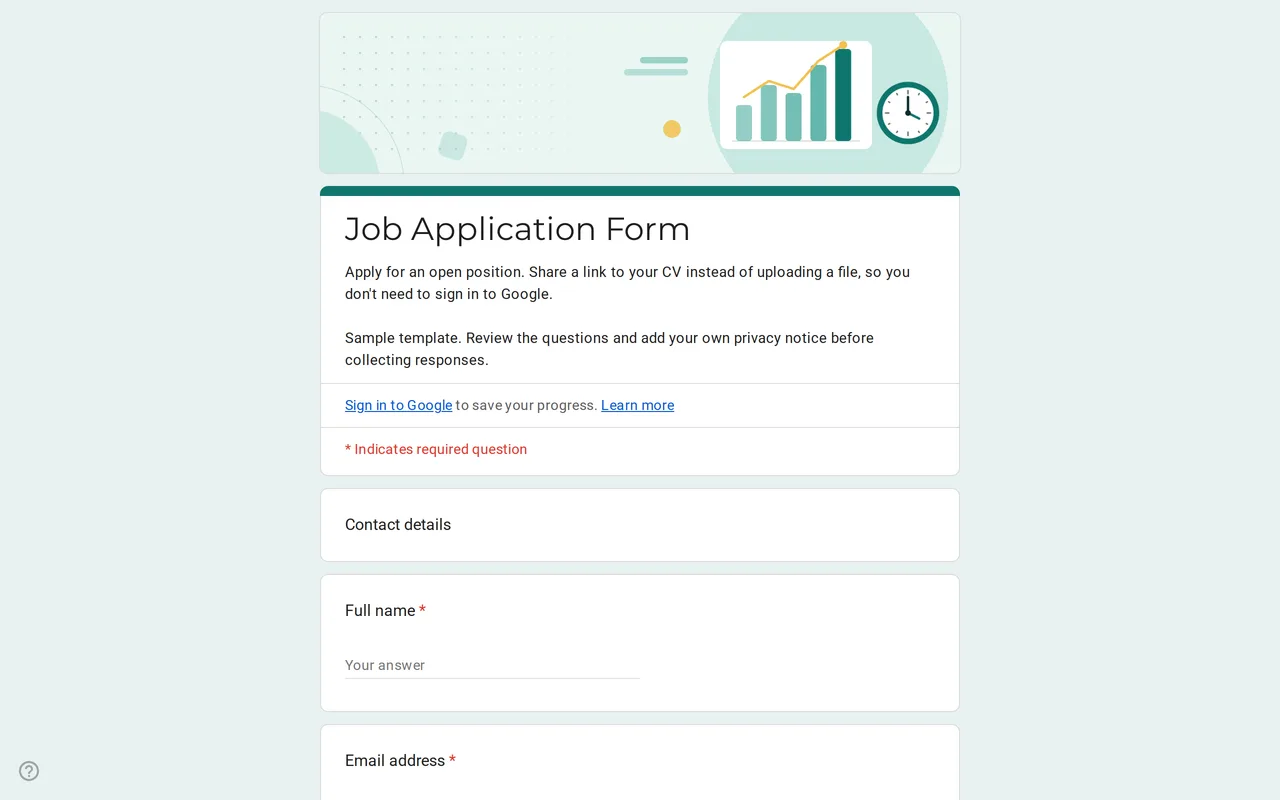
How it works: “Use this template” opens Google’s copy screen. Sign in to your Google account and the form is copied to your own Drive, where you can edit every question. Need help copying the form?
Questions in this job application Google Form
Two sections, contact details and the role, followed by the privacy section.
-
Contact details
- Full name * Short answer
- Email address * Short answer
- Phone number Short answer
-
The role
- Position you are applying for * Dropdown
- Earliest start date Date
- Years of relevant experience Multiple choice
- Link to your CV or portfolio * Short answer
- Why are you interested in this role? * Paragraph
- Are you authorized to work in the country where this job is based? Multiple choice
-
Privacy
- I have read the privacy notice * Checkbox
- I would like to hear about future openings by email Checkbox · optional
Hirova is a Google Form job application template for small employers who post openings on their website, on social media or in a shop window and want every candidate in one list. Applicants give their contact details, choose the position, say when they could start and how much relevant experience they have, share a link to their CV or portfolio and explain in a few lines why the role interests them. Each application lands as a row you can sort and mark up as you shortlist.
Who this Google form job application is for
It suits shops, restaurants, agencies, nonprofits and startups that hire a few people a year and do not use an applicant tracking system. One form can serve several openings at once: the position dropdown ships with Position A, Position B and an open application option, so a single link covers every vacancy and speculative applications. The motivation question is required because it is often the quickest way to tell a considered application from a mass send.
Why the CV goes by link in this job application Google form
Google Forms has a file upload question, but it requires every respondent to sign in to a Google account, and uploaded files are stored in the form owner's Drive and count against that storage. Candidates without a Google account, or who do not want to use their personal one, would drop out at that point. A link question with URL validation avoids both problems: applicants paste a link to a CV in their own cloud storage, a portfolio or a LinkedIn profile, and the form opens for anyone.
What the Google Forms job application leaves out, and why
There are no questions about age, date of birth, photo, marital status, nationality, health or disability. In the US, the Americans with Disabilities Act bars disability-related questions before a job offer, and federal equal opportunity law treats age, marital status and national origin questions as possible evidence when a rejected candidate alleges discrimination. A photo reveals several of those traits at once. In the EU, health data is a special category under the GDPR. The form asks the question you do need instead: whether the person is authorized to work in your country. That question shows a country placeholder in square brackets; replace it with your country, or adapt or remove the question to fit local law.
Adapting the job application Google form template to your roles
- Replace the sample positions with your openings and remove "Open application" if you only hire for listed roles.
- Complete the privacy text with your company name and the retention period, the time you keep applications before deleting them.
- On a Google Workspace account, turn off the restriction to users in your organization, or outside candidates cannot open the form.
- Leave "Limit to 1 response" off: it forces sign-in, the same barrier the CV link avoids.
- Add a status column in the linked spreadsheet to track who you contacted.
Hirova sits with the other business templates; once someone starts, the timesheet template records their hours. For copying the form into your Drive, see how to copy a Google Form.
More templates
-
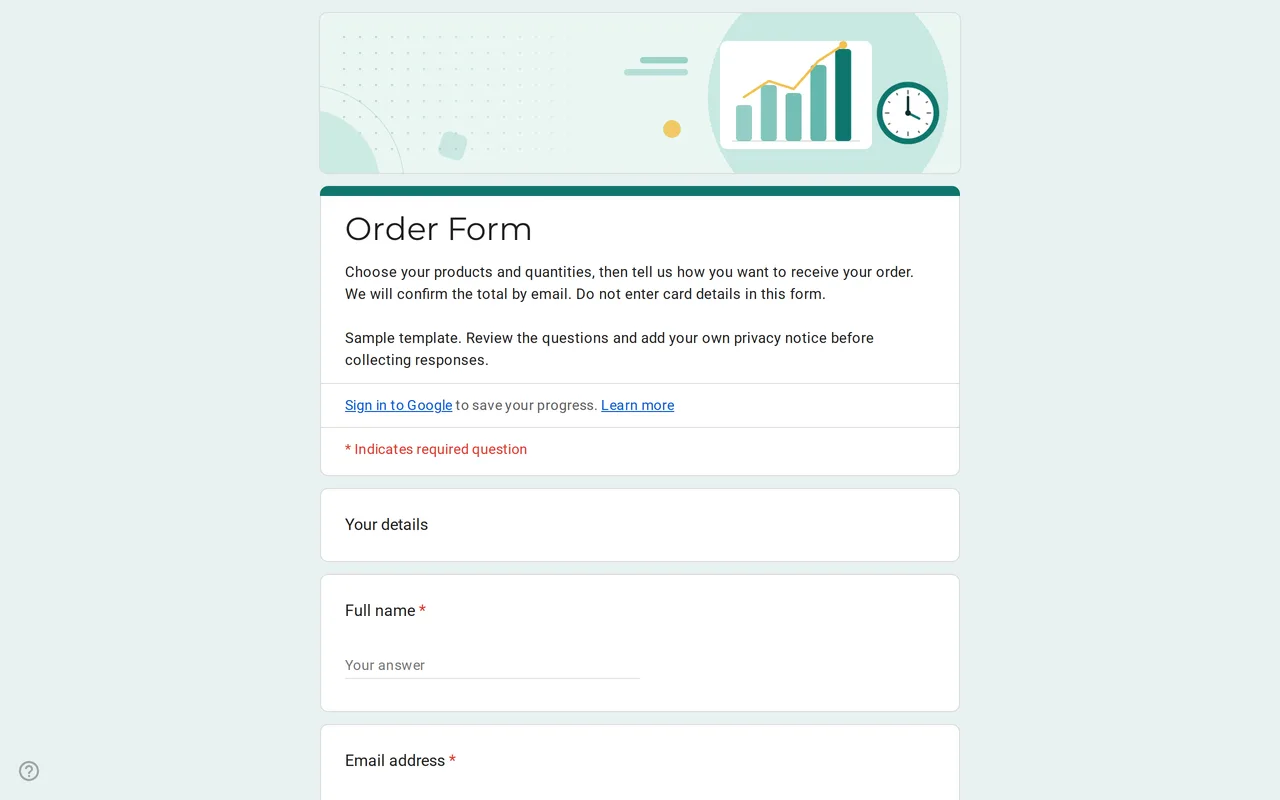 Business Ordix: Google Forms Order Form Template Google form order form with a quantity grid, sizes, pick-up or delivery and a payment preference. It never asks for card details. Free to preview and copy. View template →
 -
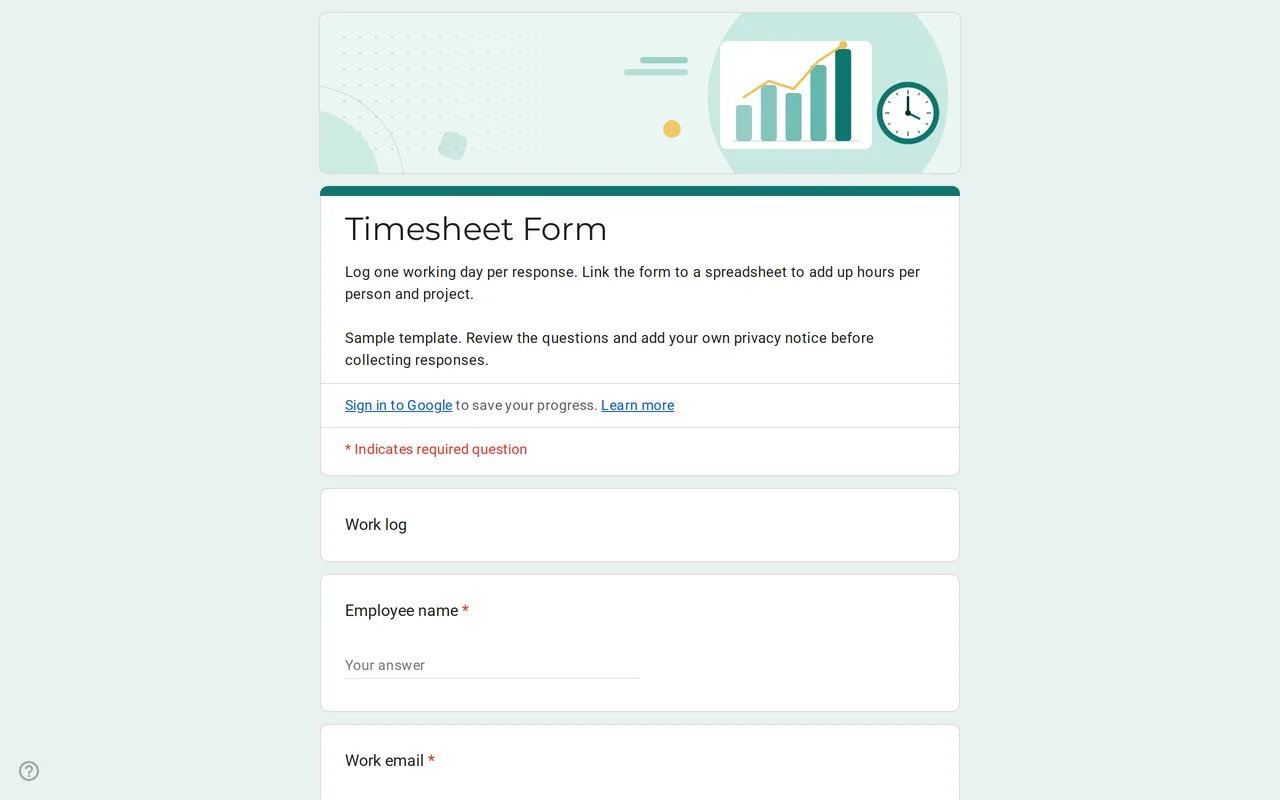 Business Hourix: Google Forms Timesheet Template Google form timesheet template that logs one workday per response: date, start and end time, breaks and project. Copy it free and total hours in Sheets. View template →
 -
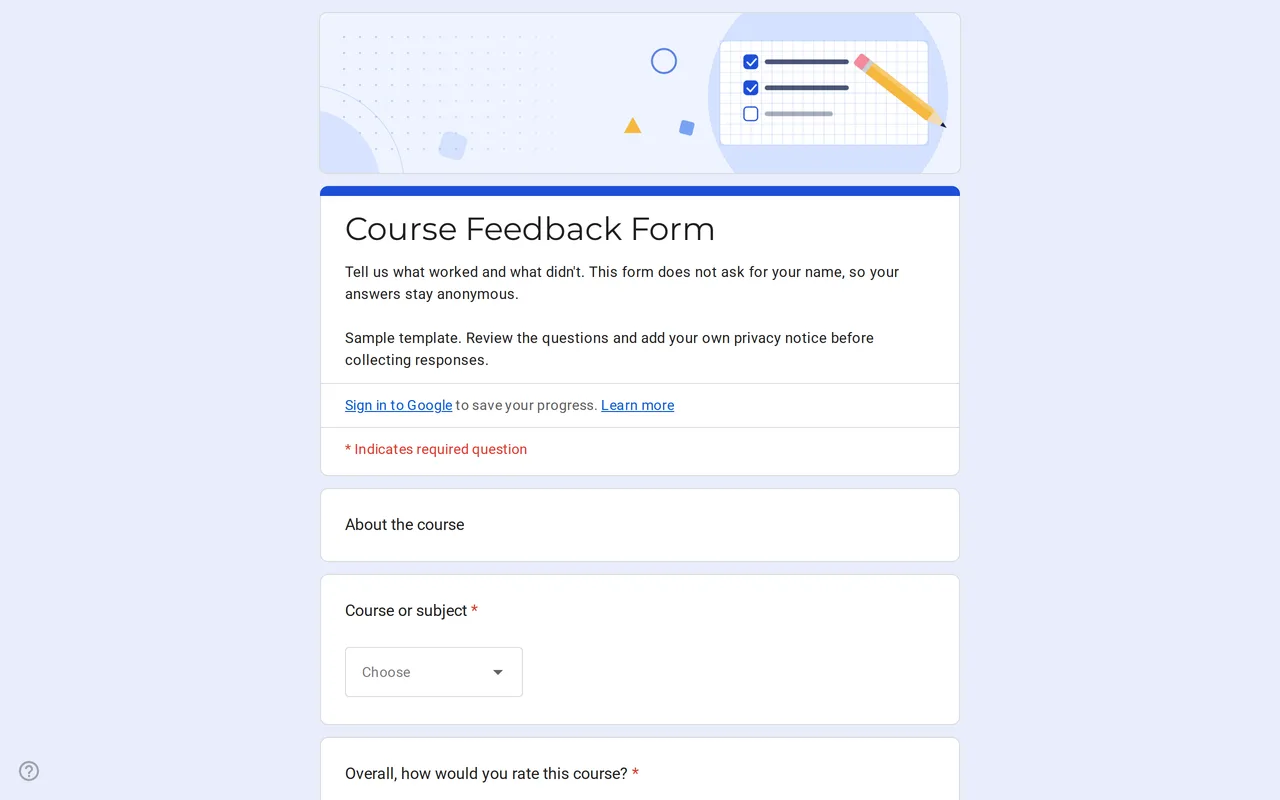 Education Klasso: Course Evaluation Google Form A student feedback Google Form that stays anonymous: overall rating, a grid for pace, materials and assignments, and two open questions. Free to copy. View template →
 -
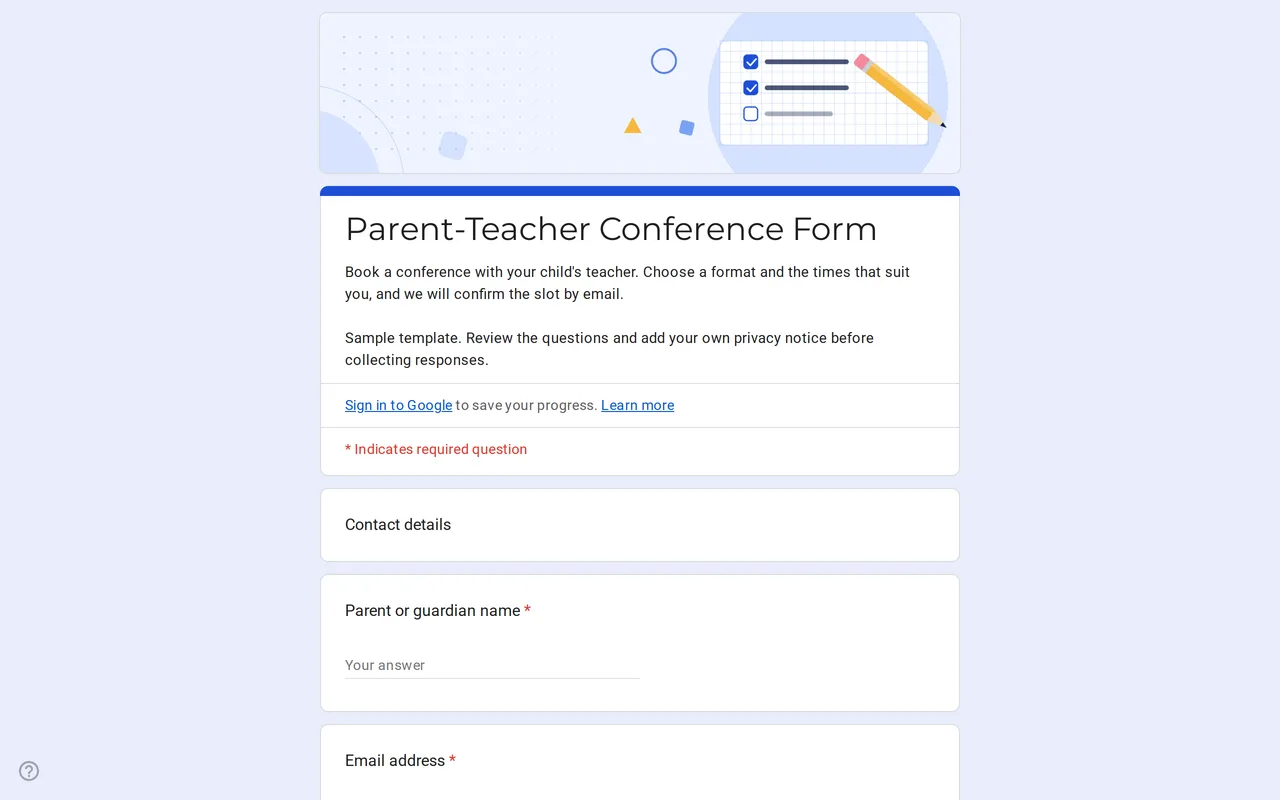 Education Meetrix: Parent Teacher Conference Google Form Template An editable parent teacher conference form for Google Forms: families pick a format, time slots and topics, and you confirm the meeting by email. View template →