
Meetrix: Parent Teacher Conference Google Form Template
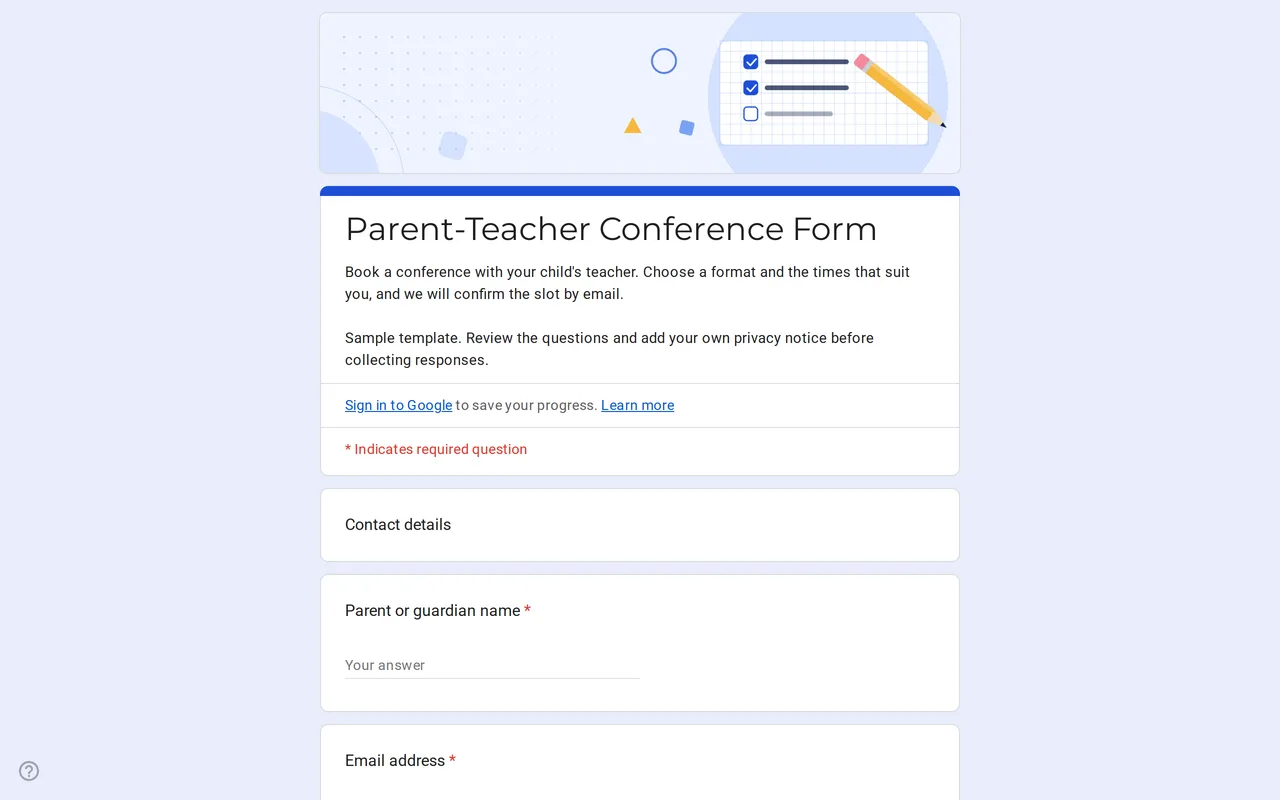
How it works: “Use this template” opens Google’s copy screen. Sign in to your Google account and the form is copied to your own Drive, where you can edit every question. Need help copying the form?
Questions in this parent teacher conference form
Contact details first, then meeting preferences, then the privacy section.
-
Contact details
- Parent or guardian name * Short answer
- Email address * Short answer
- Student first name * Short answer
- Class or grade * Dropdown
-
Meeting preferences
- Preferred meeting format * Multiple choice
- Preferred time slots * Checkboxes
- Topics you would like to discuss Checkboxes
- Questions for the teacher Paragraph
-
Privacy
- I have read the privacy notice * Checkbox
- I would like to receive school news by email Checkbox · optional
Meetrix is a parent teacher conference Google Form template for schools and teachers who want families to request a meeting online instead of returning a paper slip. Parents say how they would like to meet, which times suit them and what they want to talk about. You read the requests, pick a slot and confirm it by email, which is what the form's confirmation message promises them.
A parent teacher conference form families fill in online
The form is for class teachers, homeroom teachers and school offices that organize conference days. Because it runs in Google Forms, parents can answer from a phone, and every request lands in one place. The first section asks for the parent or guardian's name, an email address (with email validation, so an address in the wrong format is caught before submitting), the student's first name and the class or grade. It asks only for the first name: no surname, no date of birth, nothing beyond what you need to recognize the child in your class list.
Request for a parent teacher conference: how the form is organized
The second section collects the meeting preferences. Parents choose a format (in person, video call or phone call), tick every time slot that works for them and can mark topics such as progress, homework or behavior in class. A final open question leaves room for anything they want you to know in advance. Asking for several possible slots rather than a single one gives you room to build a timetable without going back and forth. The last section is the privacy notice, with a required read-confirmation checkbox and a separate, optional checkbox for school news.
Editable parent teacher conference form: what to change first
- Time slots. The sample slots (Monday 16:00 to 16:15 and so on) are placeholders. Replace them with your real conference times.
- Classes. Swap Class 1 to Class 6 in the dropdown for your own class or grade names, or delete the question if the form is only for your class.
- Topics. Add the subjects families usually raise at your school.
- Privacy text. Replace the bracketed school name and add a link to your privacy policy.
The guide to copying a Google Form covers renaming the copy, linking responses to a spreadsheet and sharing the link.
Time slots in a parent teacher conference Google Form
Google Forms does not remove a time slot once someone has chosen it, and it has no built-in limit per option. That is why this template asks for preferred slots and leaves the final choice to you. If you want families to book one exact slot themselves, you have three routes: edit the options by hand as slots fill, install an add-on from the Google Workspace Marketplace that hides options once they are taken, or use a scheduling tool such as appointment schedules in Google Calendar. For open sign-ups where people simply pick a shift or a slot, the sign-up sheet template is a closer fit.
Student data in a free parent teacher conference Google Form template
Conference requests involve children, so the form is kept lean on purpose. It does not ask about grades, health or family circumstances; those belong in the meeting, not in a spreadsheet. Keep the free-text question optional and, once the conference season is over, delete the responses you no longer need. More classroom forms are in the Google Forms for teachers collection, including the anonymous course feedback form.
More templates
-
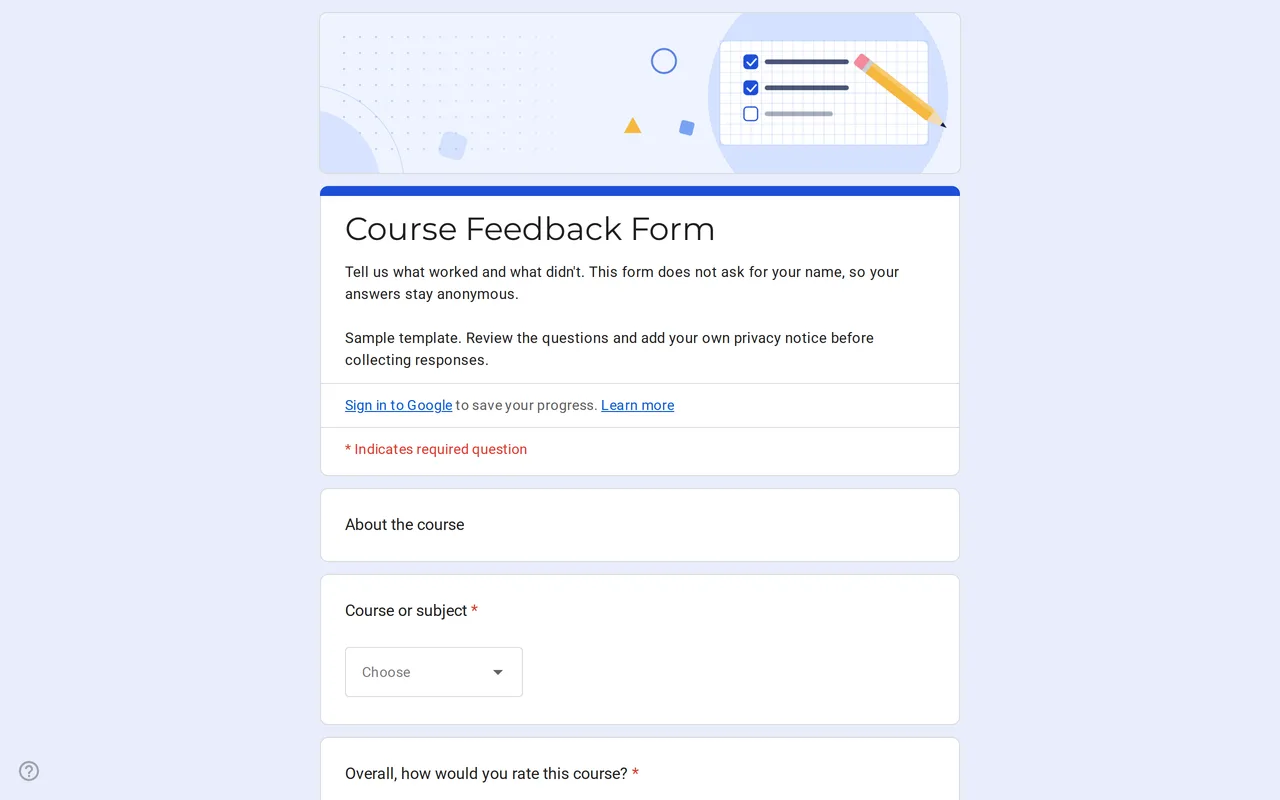 Education Klasso: Course Evaluation Google Form A student feedback Google Form that stays anonymous: overall rating, a grid for pace, materials and assignments, and two open questions. Free to copy. View template →
 -
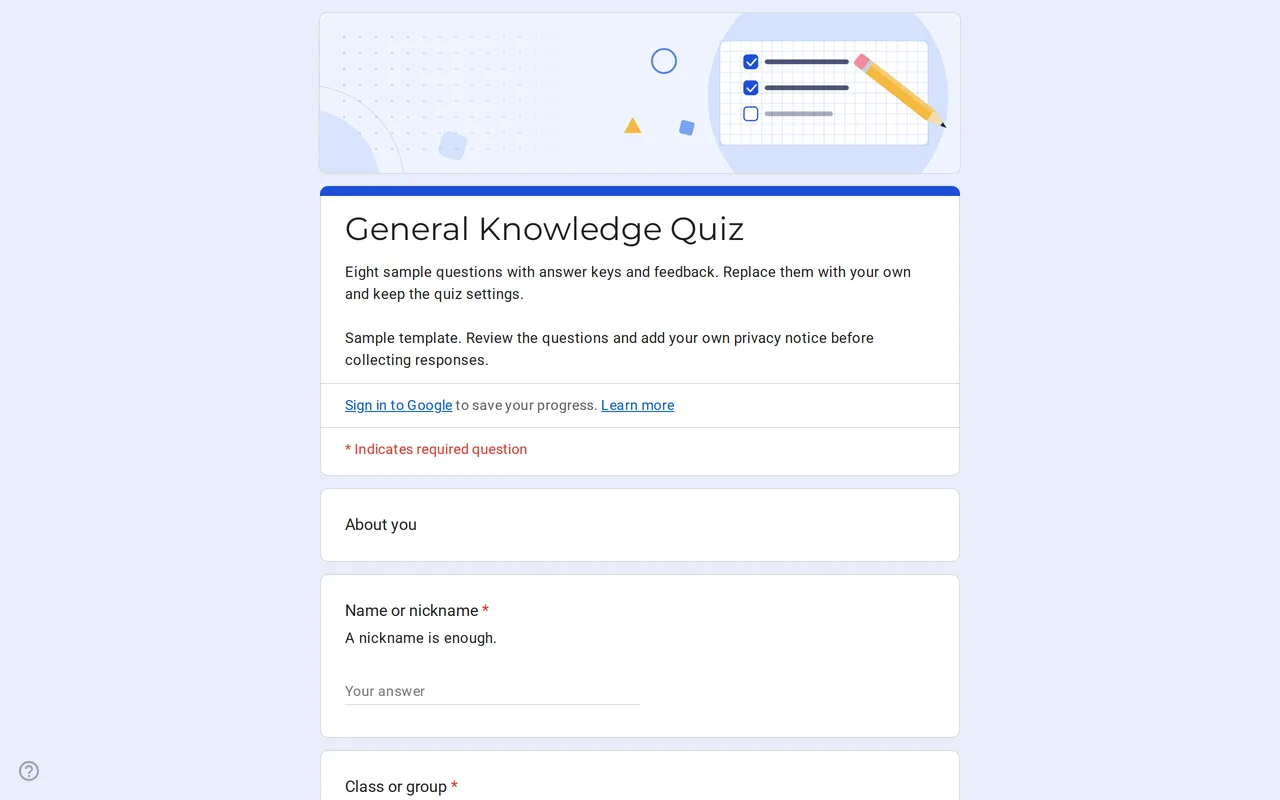 Education Quizora: Free Google Form for Quiz Making A Google Forms quiz template with answer keys, points and feedback already set: eight sample multiple choice and checkbox questions you replace with yours. View template →
 -
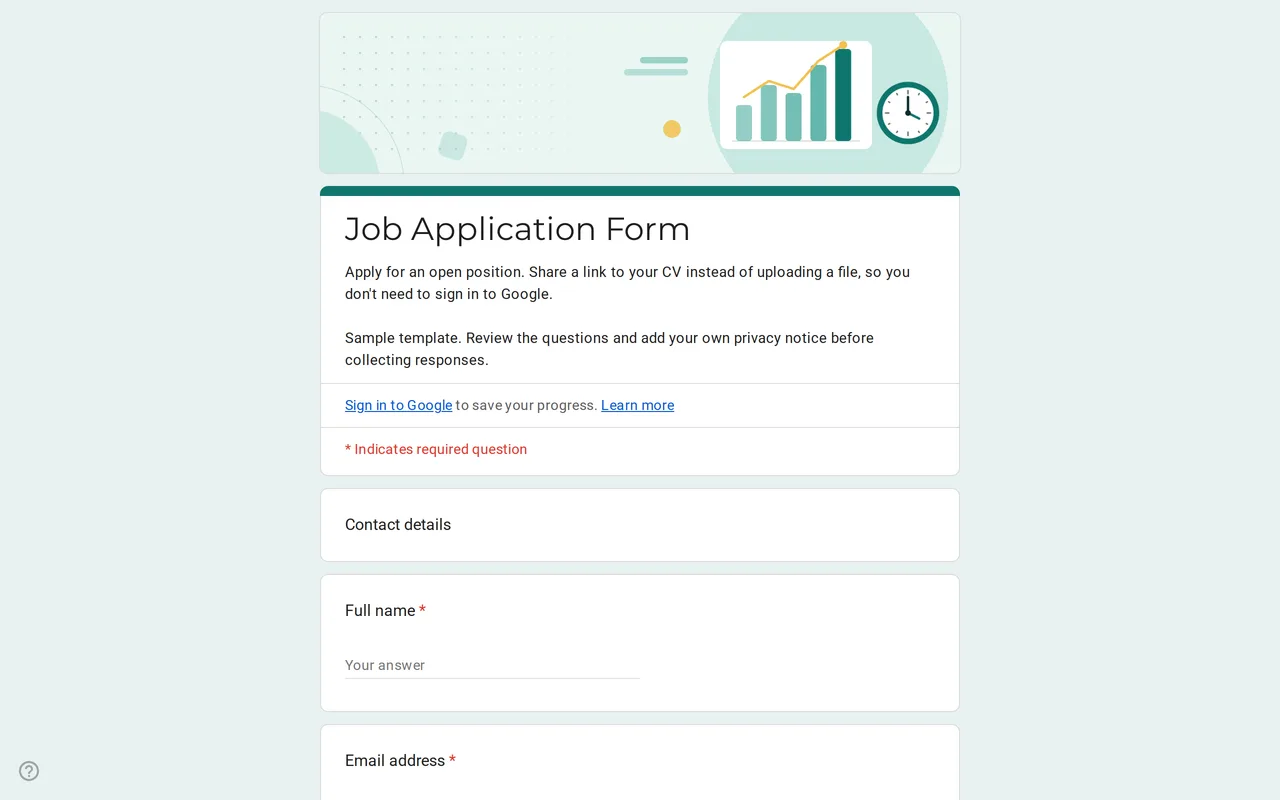 Business Hirova: Google Form Job Application Template Google Forms job application with a role dropdown, start date, experience range and a CV link instead of an upload, so no sign-in is needed. Free. View template →
 -
 Business Ordix: Google Forms Order Form Template Google form order form with a quantity grid, sizes, pick-up or delivery and a payment preference. It never asks for card details. Free to preview and copy. View template →