
Replya: Google Form Template for RSVP
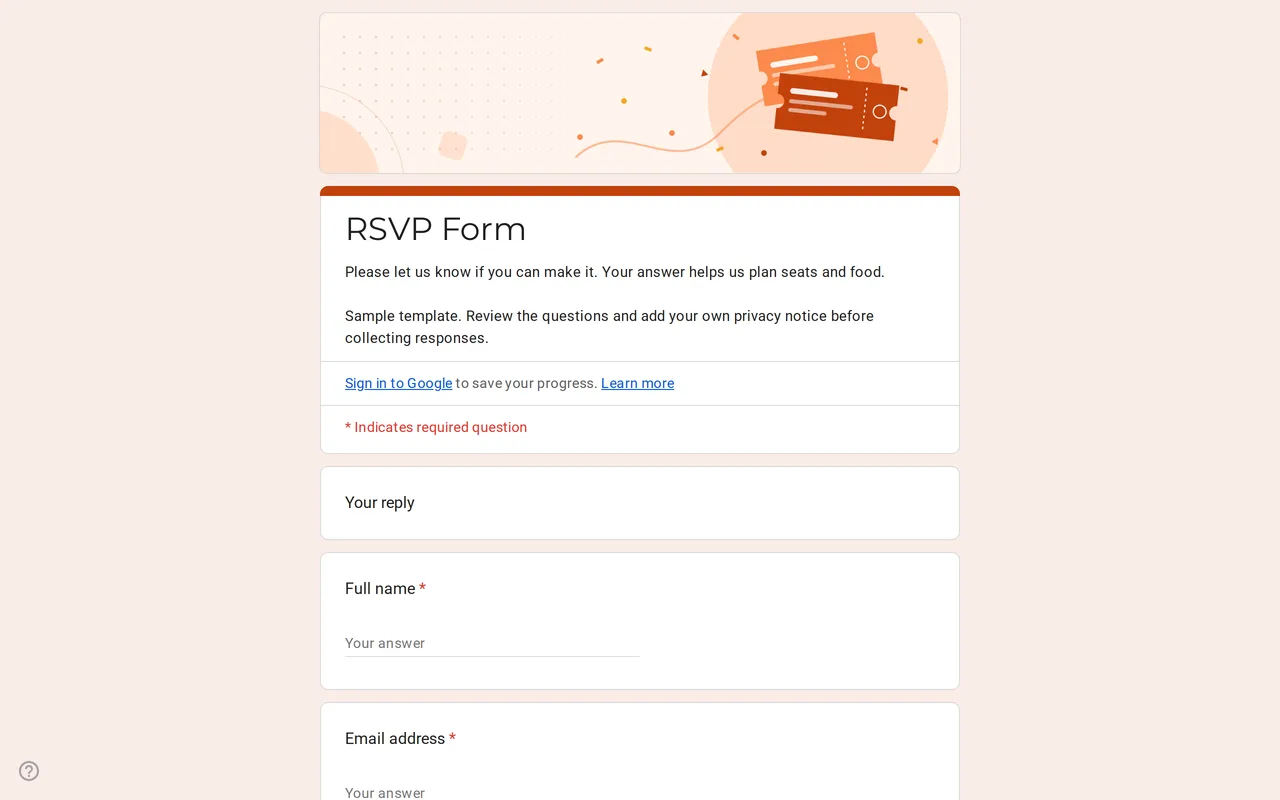
How it works: “Use this template” opens Google’s copy screen. Sign in to your Google account and the form is copied to your own Drive, where you can edit every question. Need help copying the form?
Questions in this RSVP Google Form
The party page only appears to guests who answer yes.
-
Your reply
- Full name * Short answer
- Email address * Short answer
- Will you attend? * Multiple choice
-
Your party
- Number of guests in your party, including you * Dropdown
- Names of the guests coming with you Paragraph
- Menu choice Multiple choice
-
A note for the hosts
- Song request or message for the hosts Paragraph
-
Privacy
- I have read the privacy notice * Checkbox
- I would like to receive updates about this event by email Checkbox · optional
Replya is a Google Form for RSVP replies to a wedding, a party or any event where you need to know who is coming and with how many people. Guests answer yes, no or not sure; only the ones who say yes get the questions about their party and the menu. Preview it as a guest would, then copy it to your Drive and edit every question.
How the Google Forms RSVP branches on yes, no and not sure
The first page asks for a name, an email and the one question that matters: "Will you attend?". The answer decides the route. Yes, I will be there opens the party page: the number of people in the party including the guest (a required dropdown from 1 to 6), the names of the people coming with them and a meat, fish or vegetarian menu choice. No, I can't make it and Not sure yet skip straight to the last page, where anyone can leave a song request or a message for the hosts. Everyone finishes on the privacy section.
This keeps declining guests from scrolling past questions that do not apply to them, and it keeps the party size and menu columns in your spreadsheet limited to people who are actually coming. Keep an eye on the "Not sure yet" replies: they have not given you a party size, so they are the ones to follow up with before the deadline.
Using the RSVP Google Form template for a wedding
For a wedding RSVP Google Form, change the title to your names, put the date, venue and reply-by date in the description, and add a header image from the Theme panel. Many couples remove "Not sure yet" so every guest gives a firm answer. If you need children counted separately, as some hosts do for catering or seating, split the party size into two dropdowns: adults and children. The template deliberately has no allergy question, because those answers count as health data; if your caterer needs that information, collect it in a separate step with a clear purpose.
Customizing the Google Form RSVP template before you send it
- Set the dropdown's top number to the largest party you invite. The sample stops at 6.
- Rewrite the menu options to match what the caterer offers, or delete the question for a drinks-only event.
- After editing, open each section's "after section" setting and check that Yes still leads to the party page.
- Replace the bracketed privacy text with your own notice. Keep the communications checkbox optional, or delete it if you will not send updates.
Sharing your RSVP Google Form and tracking replies
Leave "Limit to 1 response" off: it makes every guest sign in to a Google account, and older relatives often do not have one. If you want guests to be able to change their answer later, turn on response editing in the Settings tab before you share. From the Responses tab you can switch on email notifications for new replies and link the form to Google Sheets, where a sum of the party size column gives you the headcount for the caterer.
For larger events with tickets or sessions, the event registration form fits better. The event Google Form templates list the full set, and the copying guide explains how to get the RSVP into your Drive.
More templates
-
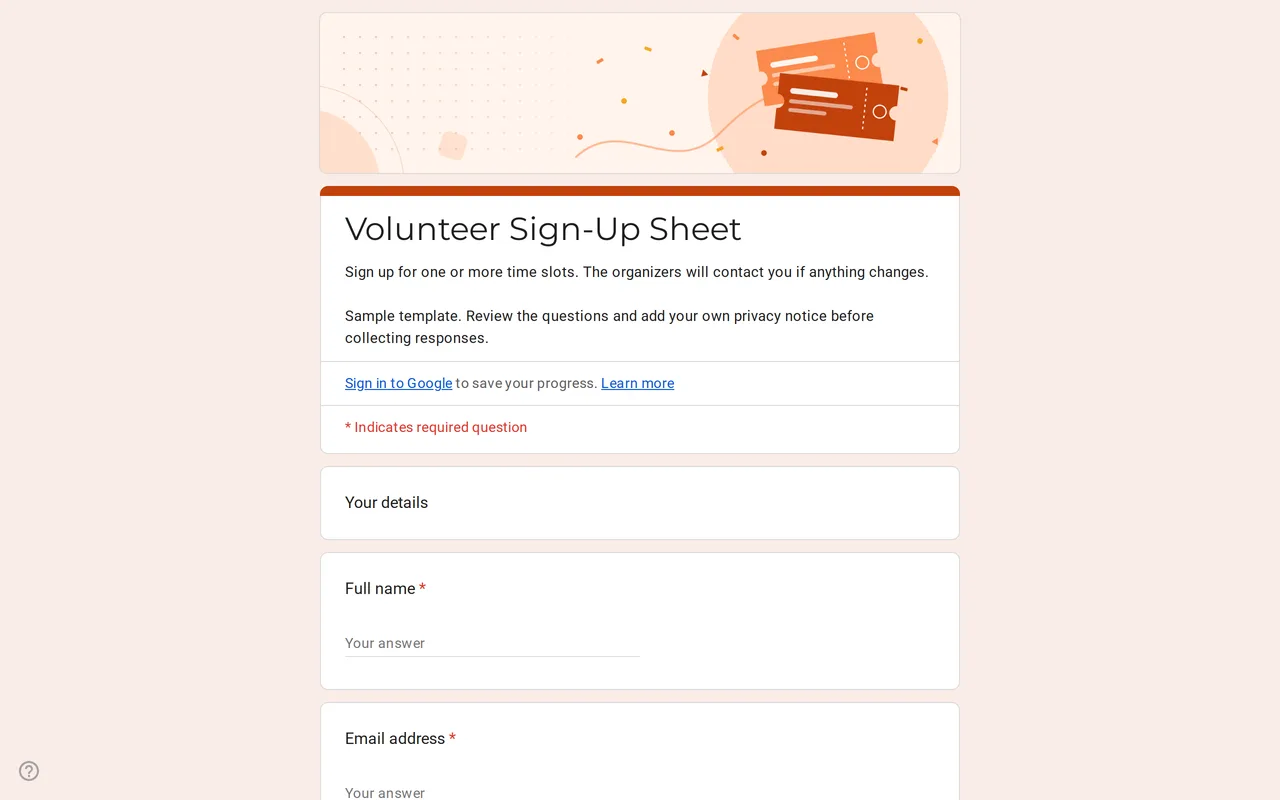 Events Slotly: Google Forms Sign-Up Sheet for Volunteers Google Form sign up sheet with time slots, roles and contact details for volunteers. Preview it, copy it free and replace the sample shifts. View template →
 -
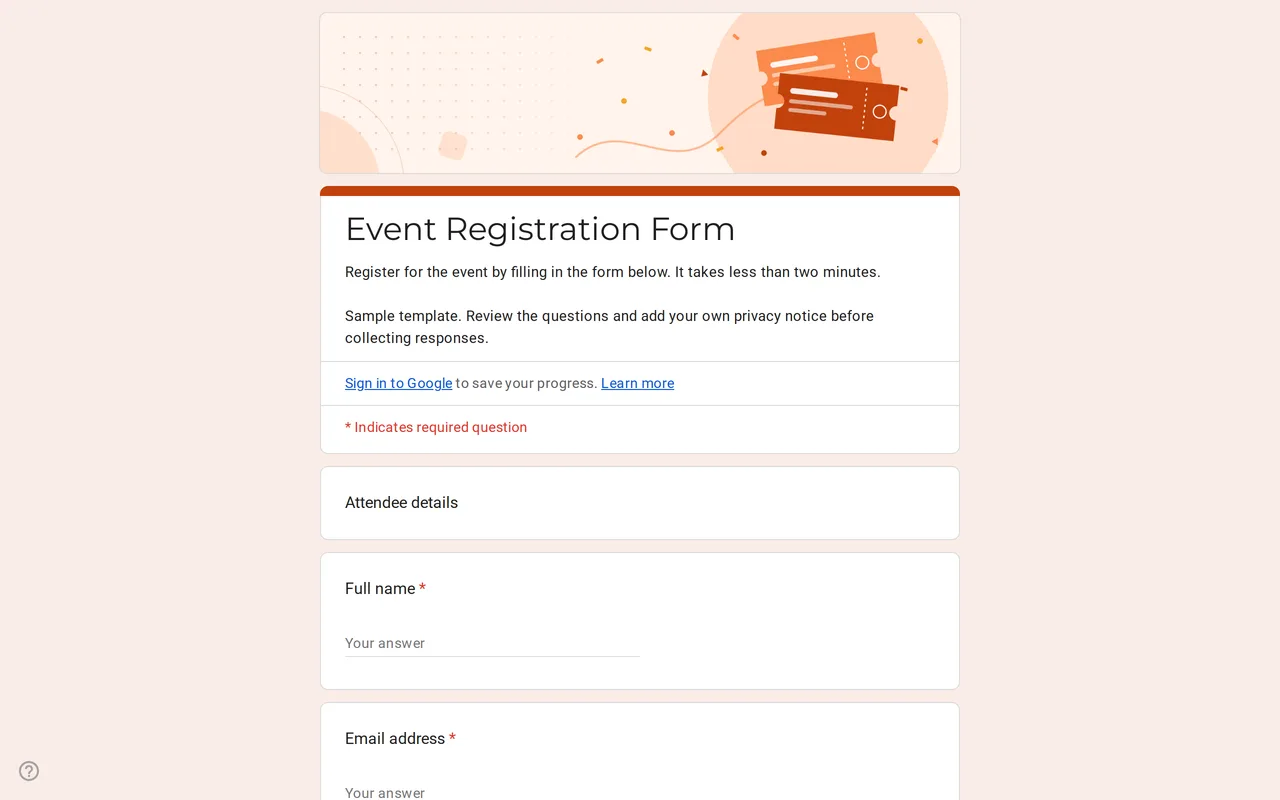 Events Eventra: Google Forms Event Registration Template Google Forms event registration with ticket types, in-person or online attendance and session picks. Preview it, then copy the form free to your Drive. View template →
 -
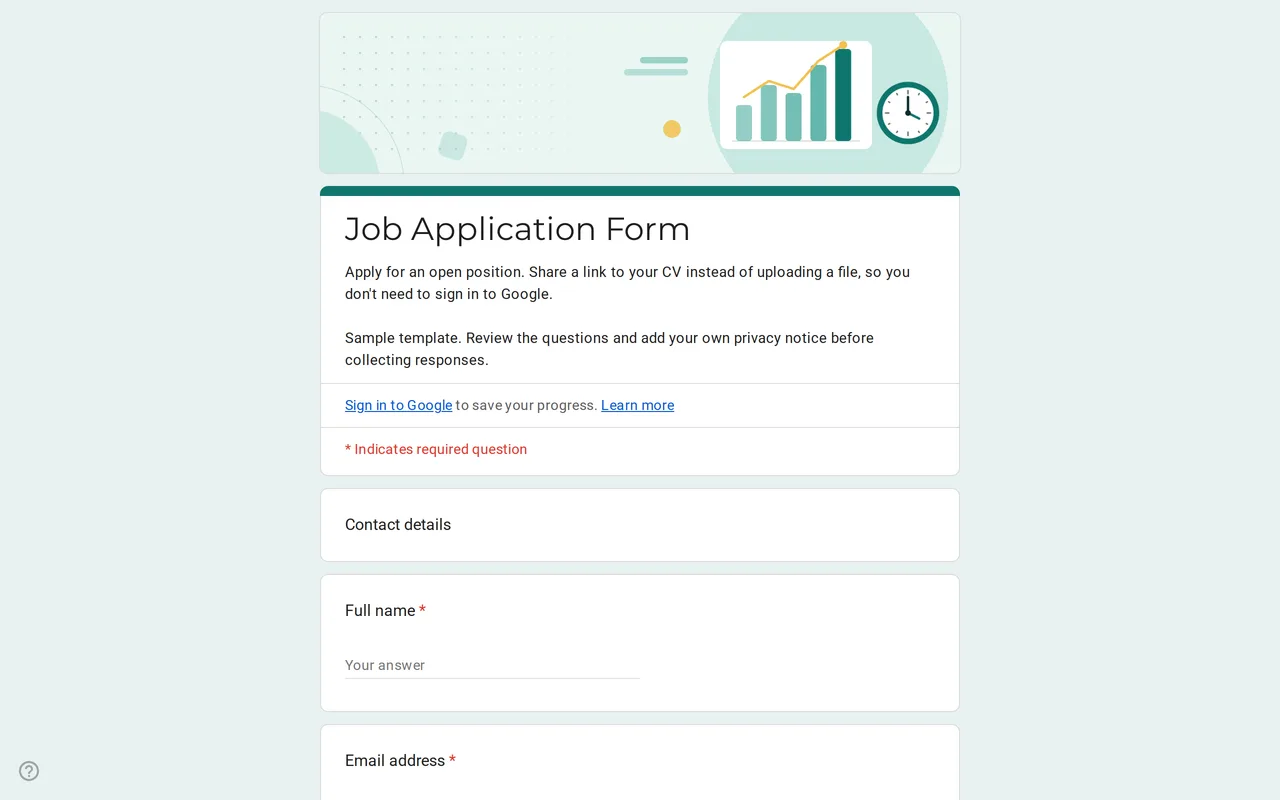 Business Hirova: Google Form Job Application Template Google Forms job application with a role dropdown, start date, experience range and a CV link instead of an upload, so no sign-in is needed. Free. View template →
 -
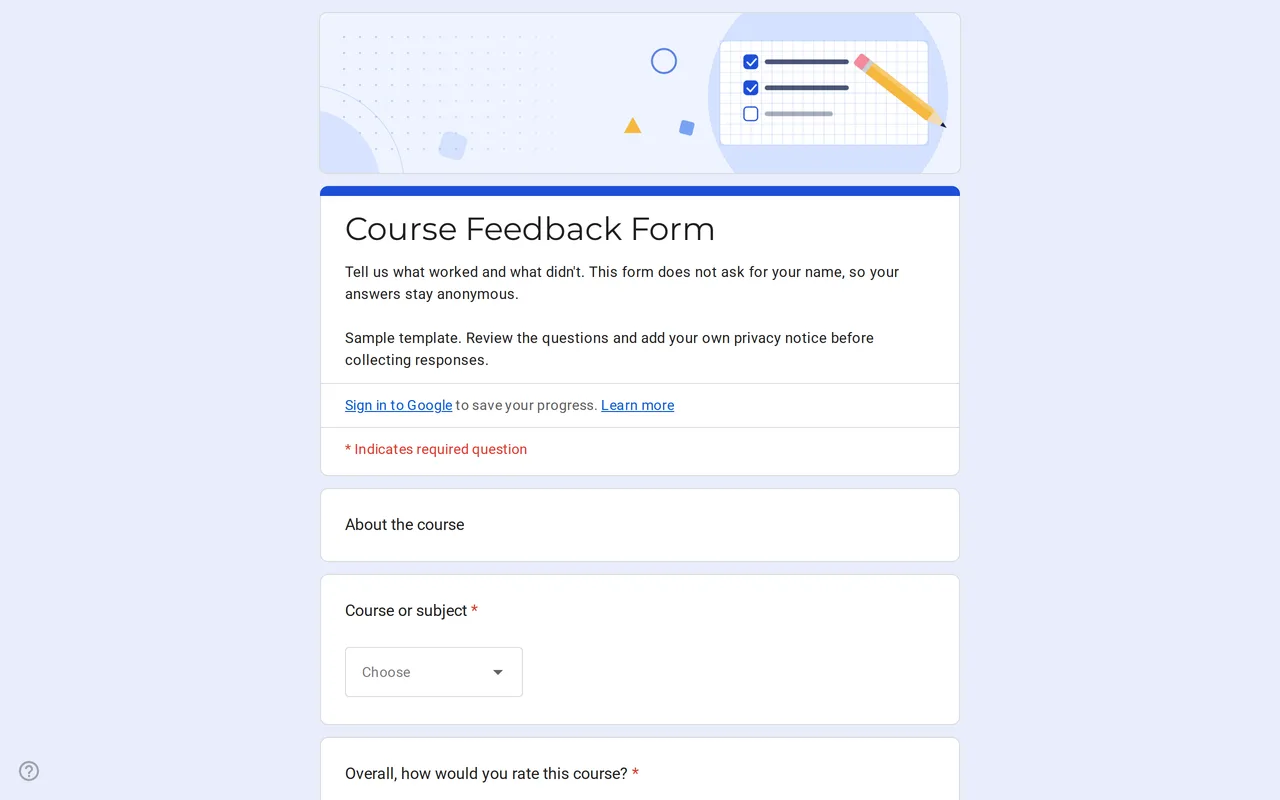 Education Klasso: Course Evaluation Google Form A student feedback Google Form that stays anonymous: overall rating, a grid for pace, materials and assignments, and two open questions. Free to copy. View template →