
Satisfa: A Google Form for Survey of Customer Satisfaction
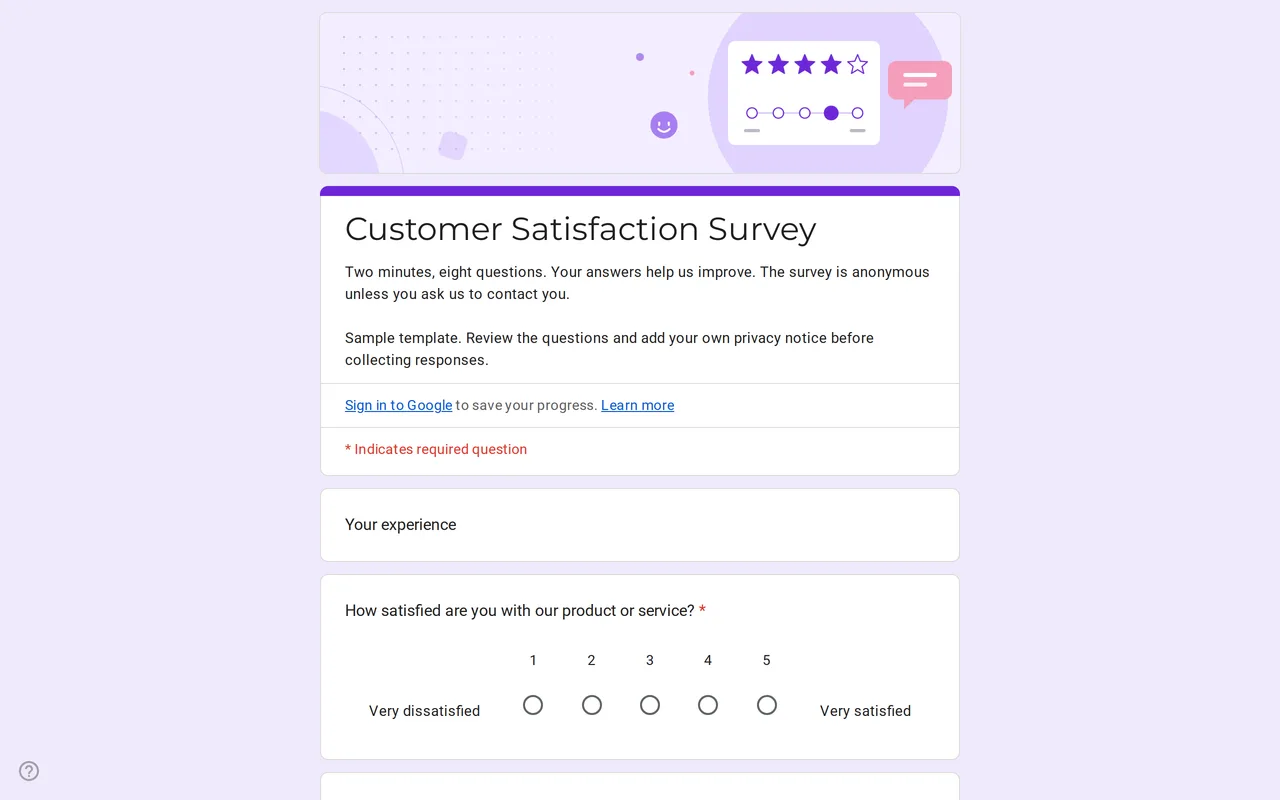
How it works: “Use this template” opens Google’s copy screen. Sign in to your Google account and the form is copied to your own Drive, where you can edit every question. Need help copying the form?
Questions in this customer satisfaction Google Form
One section of ratings and open questions, a contact section shown only to customers who agree to be contacted, and the privacy section.
-
Your experience
- How satisfied are you with our product or service? * Linear scale
- How likely are you to recommend us to a friend or colleague? * Linear scale
- How satisfied are you with Multiple choice grid
- What did you like most? Paragraph
- What should we improve? Paragraph
- May we contact you about your answers? * Multiple choice
-
Contact
- Email address * Short answer
-
Privacy
- I have read the privacy notice * Checkbox
- I would like to receive offers and news by email Checkbox · optional
- Email for news (only if you ticked the box above) Short answer · optional
Satisfa is a Google Form for survey work with one job: finding out how satisfied your customers are and what to change. It takes about two minutes. Customers rate their overall satisfaction, say how likely they are to recommend you, score four parts of the experience and write what they liked and what you should improve. Nobody has to give a name or an email unless they want you to reply.
A survey Google Form template for customer satisfaction
It suits shops, online stores, service businesses and freelancers who want regular feedback without a paid survey tool. Send the link after a purchase, print it as a QR code on a receipt or add it to your email signature. The two scales come first: satisfaction from 1 to 5 and likelihood to recommend from 0 to 10, both with labels at each end so a low number means the same thing to everyone. The grid then rates quality, price, customer service and delivery time from very dissatisfied to very satisfied, followed by the two open questions.
How the branching keeps this Google form survey anonymous
The last question in the first section asks whether you may contact the customer about their answers. Customers who answer no jump straight to the privacy section and submit without leaving any contact detail. Customers who answer yes see a contact section with a required email field. The privacy section has its own optional box for offers and news, with an email field for those who tick it. For the survey to stay anonymous, keep "Collect email addresses" off and do not turn on "Limit to 1 response", which makes everyone sign in.
Create a Google form for survey feedback from this copy
Copying the template is faster than building from a blank form, and three changes make it yours. Replace "our product or service" with what you actually sell. Rewrite the grid rows to fit your business: a hair salon might swap delivery time for waiting time, a software company for onboarding. Put your business name and privacy policy link in the privacy text. On a Google Workspace account, also turn off the restriction to users in your organization so customers outside it can answer.
Reading customer survey results in Google Forms and Sheets
The Responses tab charts each scale as answers arrive. For trends over time, link the form to a spreadsheet. An AVERAGE of the satisfaction column gives one number to track month by month. The 0 to 10 question uses the same format as the Net Promoter Score: count answers of 9 or 10, subtract the answers from 0 to 6, and divide by the number of responses. Read the open answers next to low scores first; they usually say what the number cannot.
More opinion forms are in the survey templates, including the course feedback form for classes. If you take orders by form, send this survey a few days after each order form is fulfilled. The steps to copy it are in how to copy a Google Form.
More templates
-
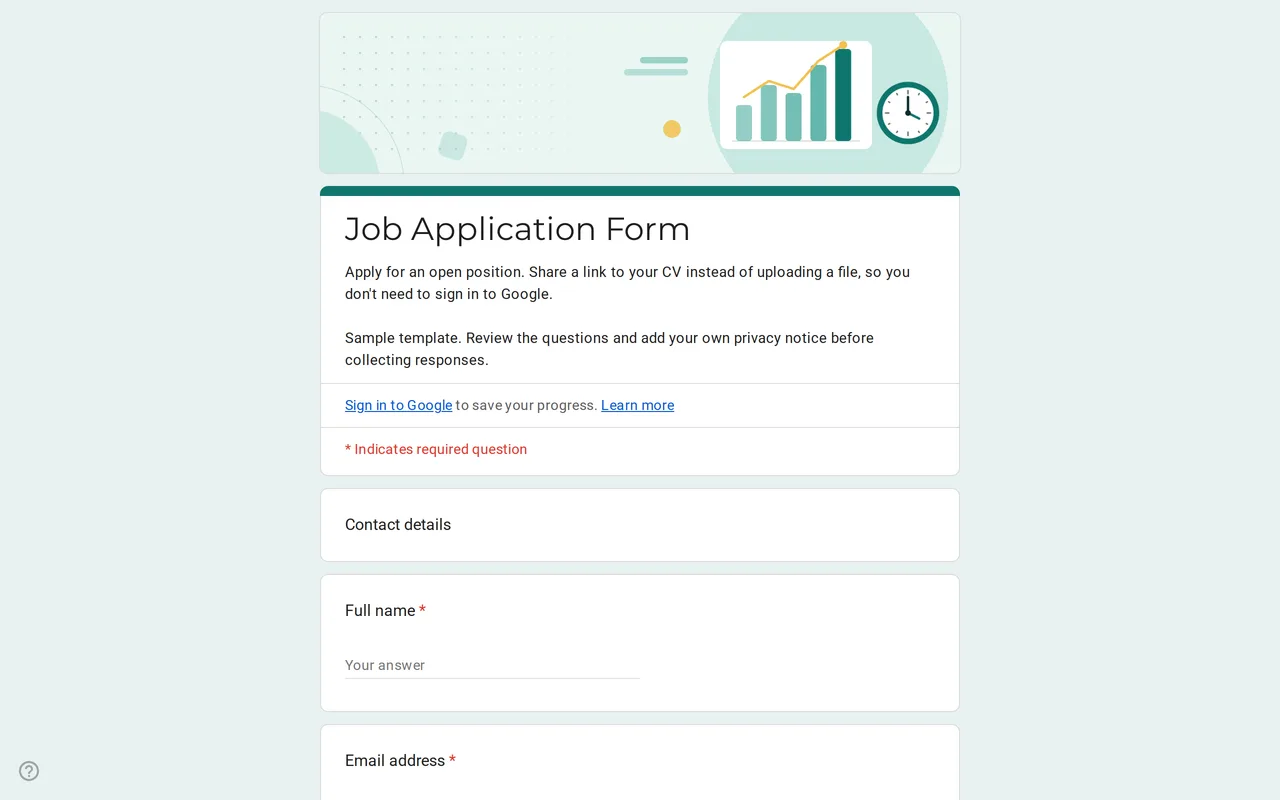 Business Hirova: Google Form Job Application Template Google Forms job application with a role dropdown, start date, experience range and a CV link instead of an upload, so no sign-in is needed. Free. View template →
 -
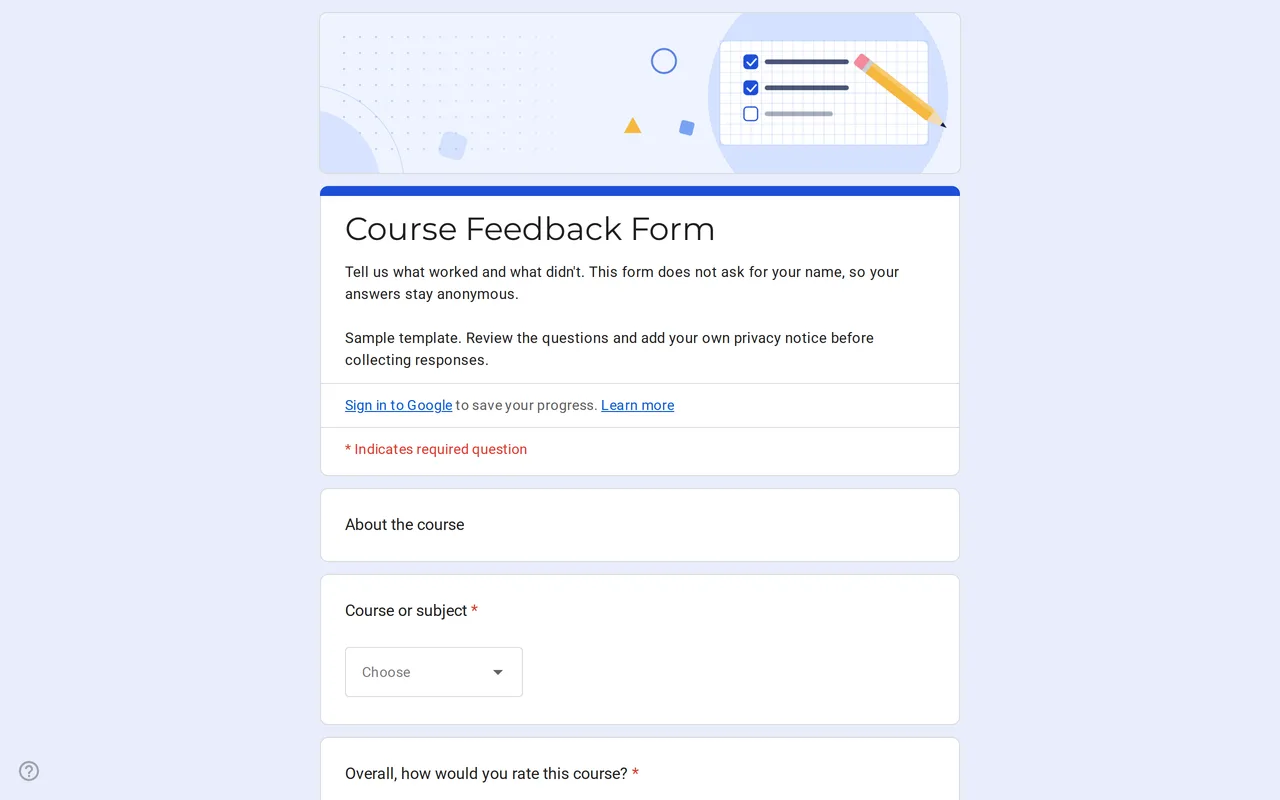 Education Klasso: Course Evaluation Google Form A student feedback Google Form that stays anonymous: overall rating, a grid for pace, materials and assignments, and two open questions. Free to copy. View template →
 -
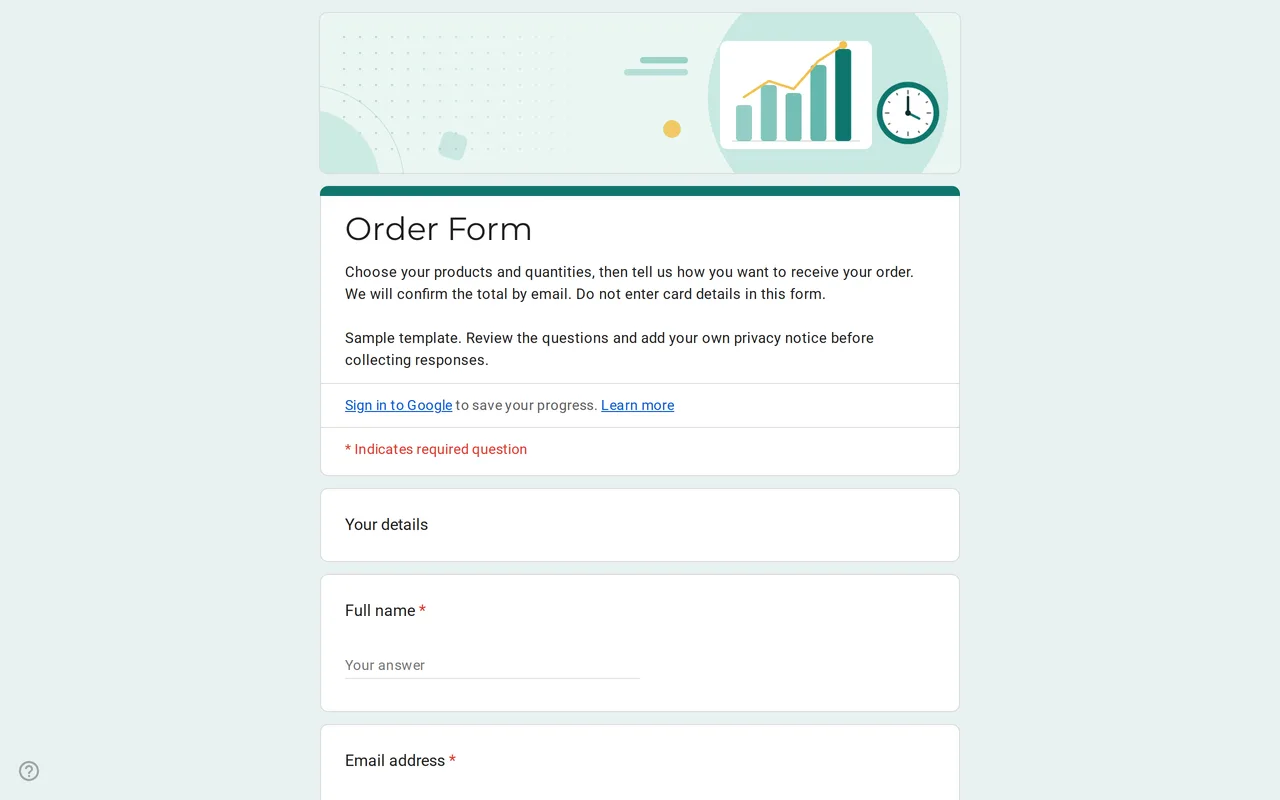 Business Ordix: Google Forms Order Form Template Google form order form with a quantity grid, sizes, pick-up or delivery and a payment preference. It never asks for card details. Free to preview and copy. View template →
 -
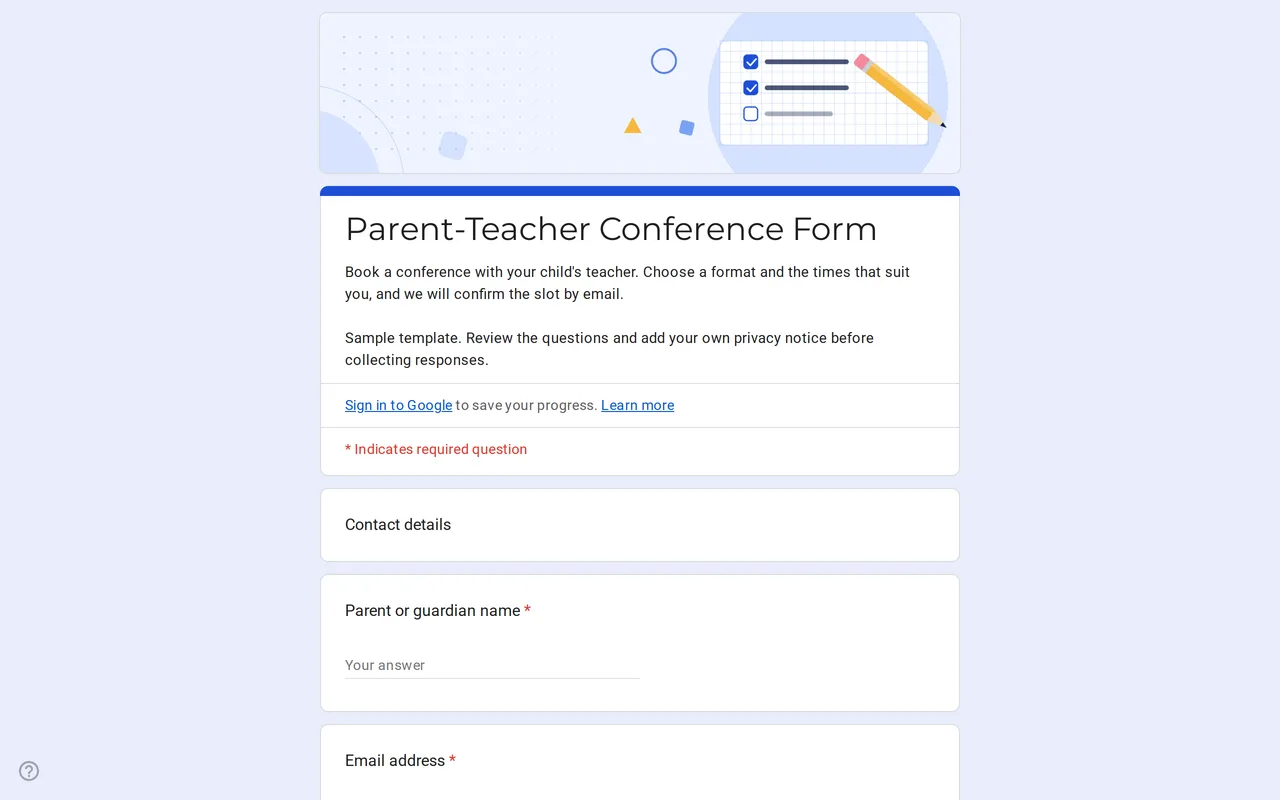 Education Meetrix: Parent Teacher Conference Google Form Template An editable parent teacher conference form for Google Forms: families pick a format, time slots and topics, and you confirm the meeting by email. View template →