
Quizora: Free Google Form for Quiz Making
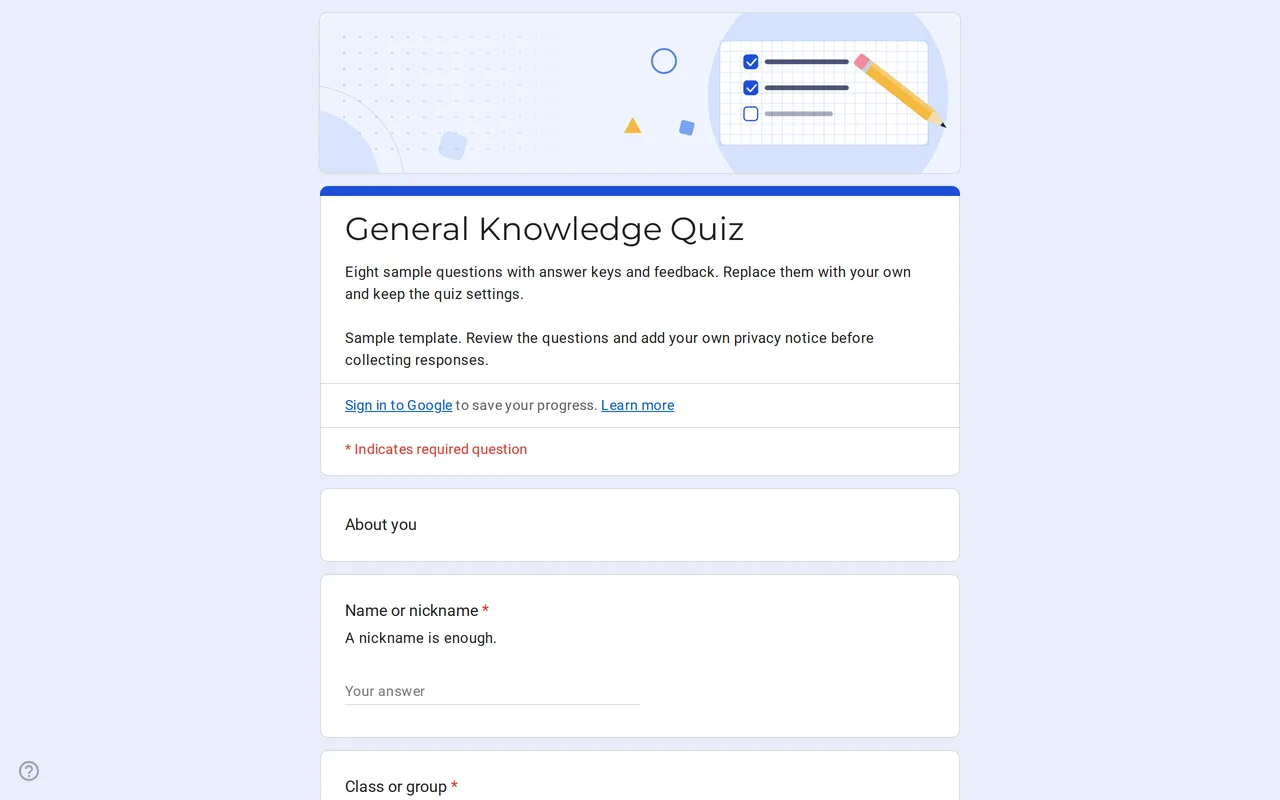
How it works: “Use this template” opens Google’s copy screen. Sign in to your Google account and the form is copied to your own Drive, where you can edit every question. Need help copying the form?
Questions in this Google Forms quiz template
Two short sections: who is answering, then eight sample questions you replace with your own.
-
About you
- Name or nickname * Short answer
- Class or group * Dropdown
-
Questions
- Which planet is known as the Red Planet? * Multiple choice · quiz
- What is the largest ocean on Earth? * Multiple choice · quiz
- At sea level, water boils at * Multiple choice · quiz
- Select all the prime numbers * Checkboxes · quiz
- True or false: light travels faster than sound. * Multiple choice · quiz
- Who wrote Romeo and Juliet? * Multiple choice · quiz
- What is 7 × 8? * Multiple choice · quiz
- Which of these animals are mammals? * Checkboxes · quiz
-
Privacy
- I have read the privacy notice * Checkbox
- I would like to hear about future quizzes Checkbox · optional
Quizora is a Google Form for quiz work that is already configured as a quiz. Quiz mode is switched on in the settings, and each of the eight sample questions comes with a marked correct answer, one point and a line of feedback that explains the answer. You copy the form, replace the general-knowledge samples with your own material and the grading keeps working, because the structure is already in place.
A self-grading Google Forms quiz for classes and study groups
The template suits teachers who run short checks in class, tutors who set practice rounds between sessions and anyone who wants a quick quiz for a club or study group. It opens with a section that asks for a name or nickname and a class or group from a dropdown, so you can tell results apart without collecting an email address. A nickname is enough, which keeps the data you hold about students, often minors, to a minimum. The class dropdown (Group A, B and C in the sample) lets you filter results by group later, in the form's summary or in a linked spreadsheet.
Multiple choice Google Forms quiz questions with answer keys
The second section holds the quiz itself. Most samples are single-answer multiple choice questions, including a true-or-false item built as a two-option question. Two are checkbox questions where more than one option is correct, which shows how a "select all that apply" item is keyed. When you write your own questions, open Answer key at the bottom left of each one, mark the correct choice or choices, set the points at the top right and use Add answer feedback to explain the answer. Google's help pages note that feedback can include a link to a YouTube video, handy when a wrong answer deserves a short explanation.
Google Forms quiz maker settings to review before you share
Open Settings and look at Release grades. Google Forms offers two options: Immediately after each submission or Later, after manual review. Because this template does not collect email addresses, students see their result only if you keep immediate release; Google's own help explains that releasing a score later is done per response that has an email address. If you prefer to review first and send results by email, turn on email collection under Responses and update the privacy text, since you are then storing more data. Under the respondent settings you also decide whether people see missed questions, correct answers and point values. The quiz defaults in Settings also let you set a default point value instead of editing each question.
If your school uses Google Workspace, the form may be limited to accounts in your domain. To share the quiz with people outside it, turn off the restriction to users in your organization under Responses.
Turn the sample into your own Google Form quiz template
- Copy the form with the Use this template button and rename it. The copying guide walks through each step.
- Replace the group names in the class dropdown.
- Rewrite or delete the sample questions, setting an answer key and points on each new one.
- Replace the bracketed teacher or school name in the privacy section with your own notice.
- Submit a test response, check that the score comes out as expected, then delete it.
Quizora sits with the other Google Forms for teachers. When the course is over, the anonymous course feedback form collects what students thought of it, and the parent-teacher conference form handles meeting requests from families.
More templates
-
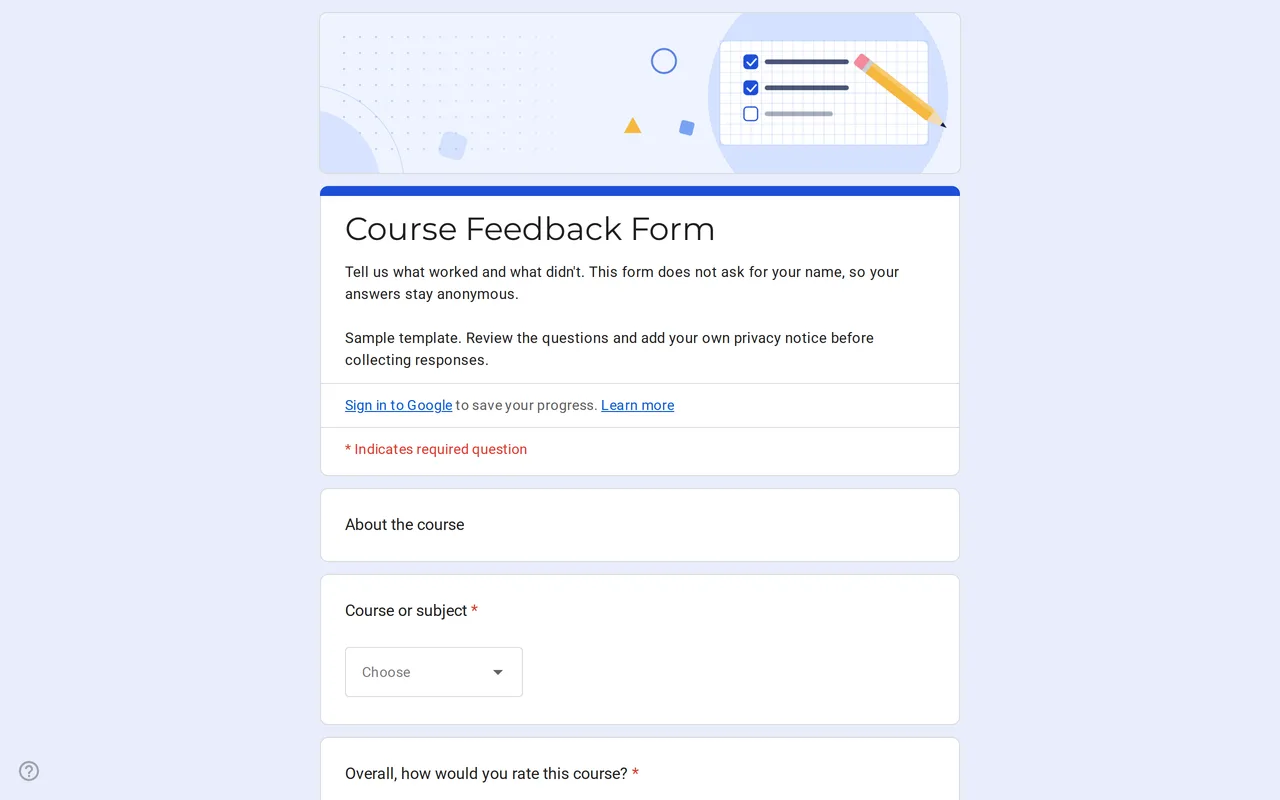 Education Klasso: Course Evaluation Google Form A student feedback Google Form that stays anonymous: overall rating, a grid for pace, materials and assignments, and two open questions. Free to copy. View template →
 -
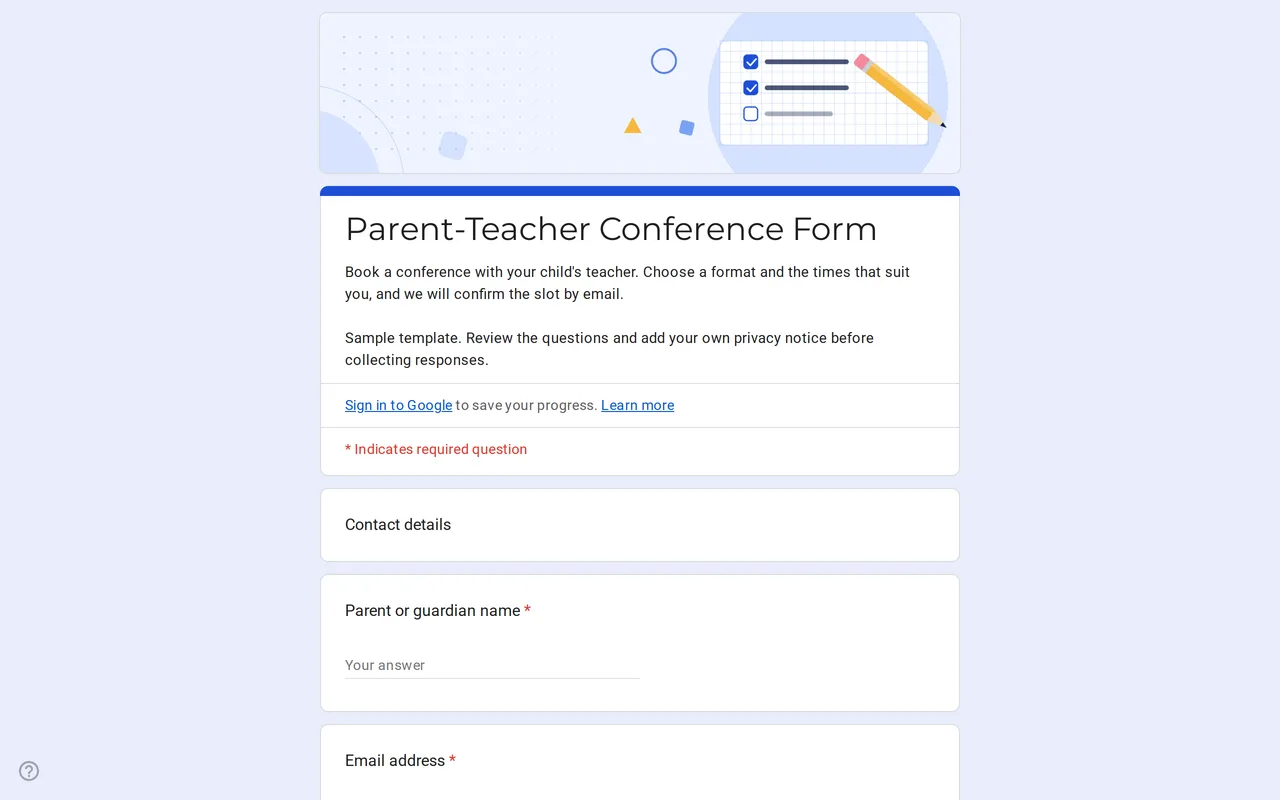 Education Meetrix: Parent Teacher Conference Google Form Template An editable parent teacher conference form for Google Forms: families pick a format, time slots and topics, and you confirm the meeting by email. View template →
 -
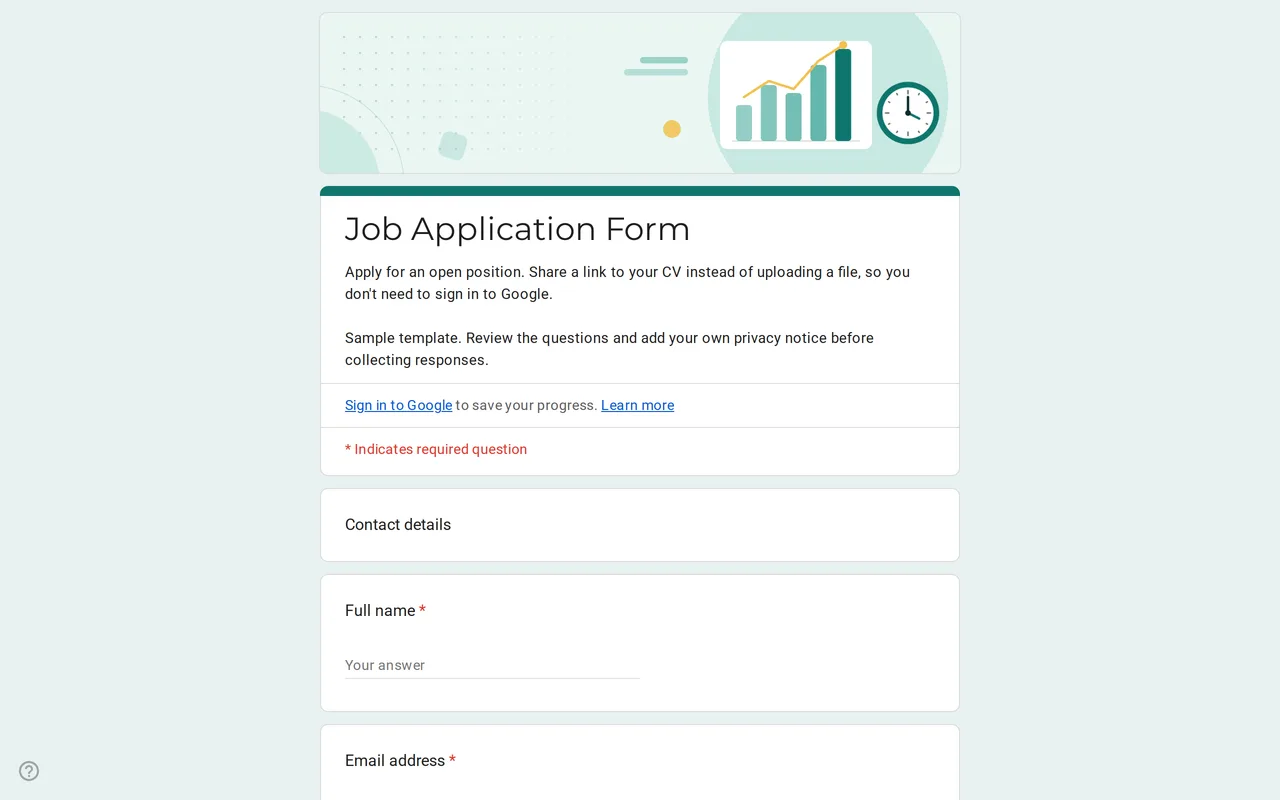 Business Hirova: Google Form Job Application Template Google Forms job application with a role dropdown, start date, experience range and a CV link instead of an upload, so no sign-in is needed. Free. View template →
 -
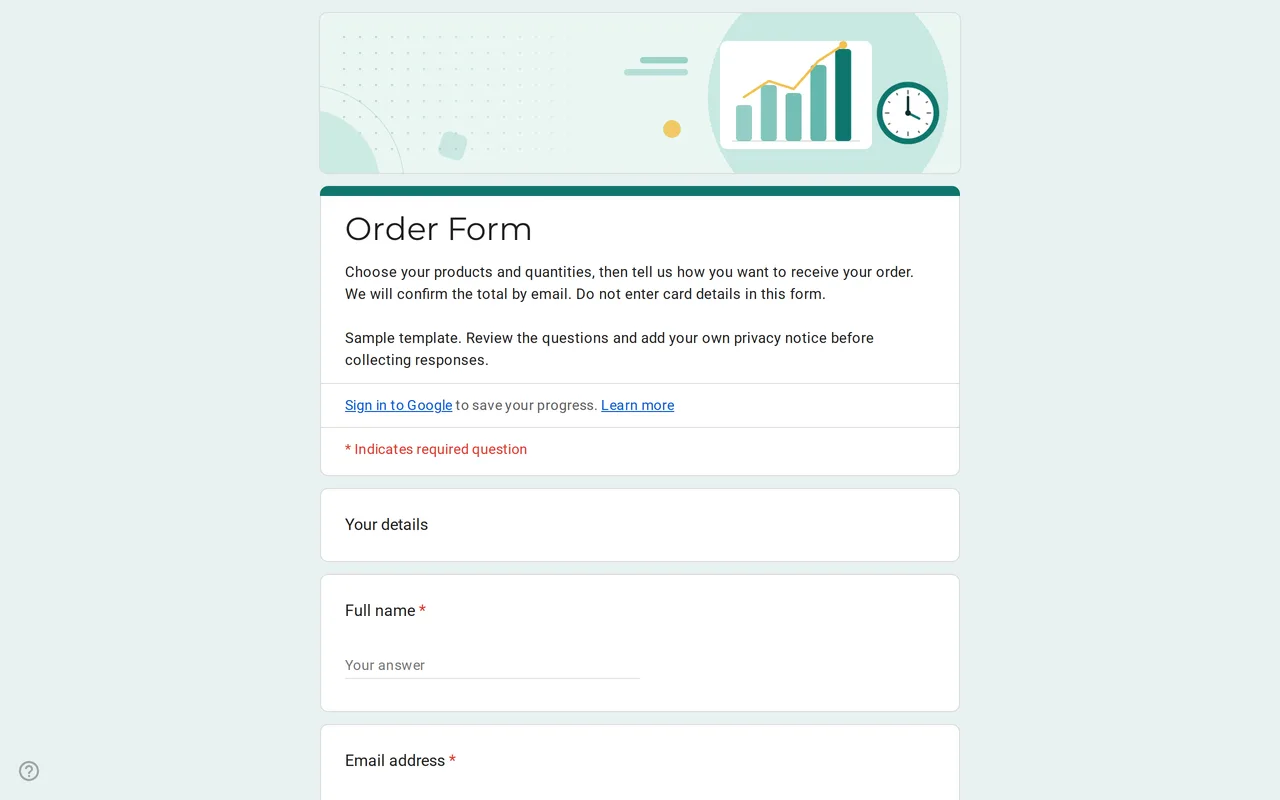 Business Ordix: Google Forms Order Form Template Google form order form with a quantity grid, sizes, pick-up or delivery and a payment preference. It never asks for card details. Free to preview and copy. View template →